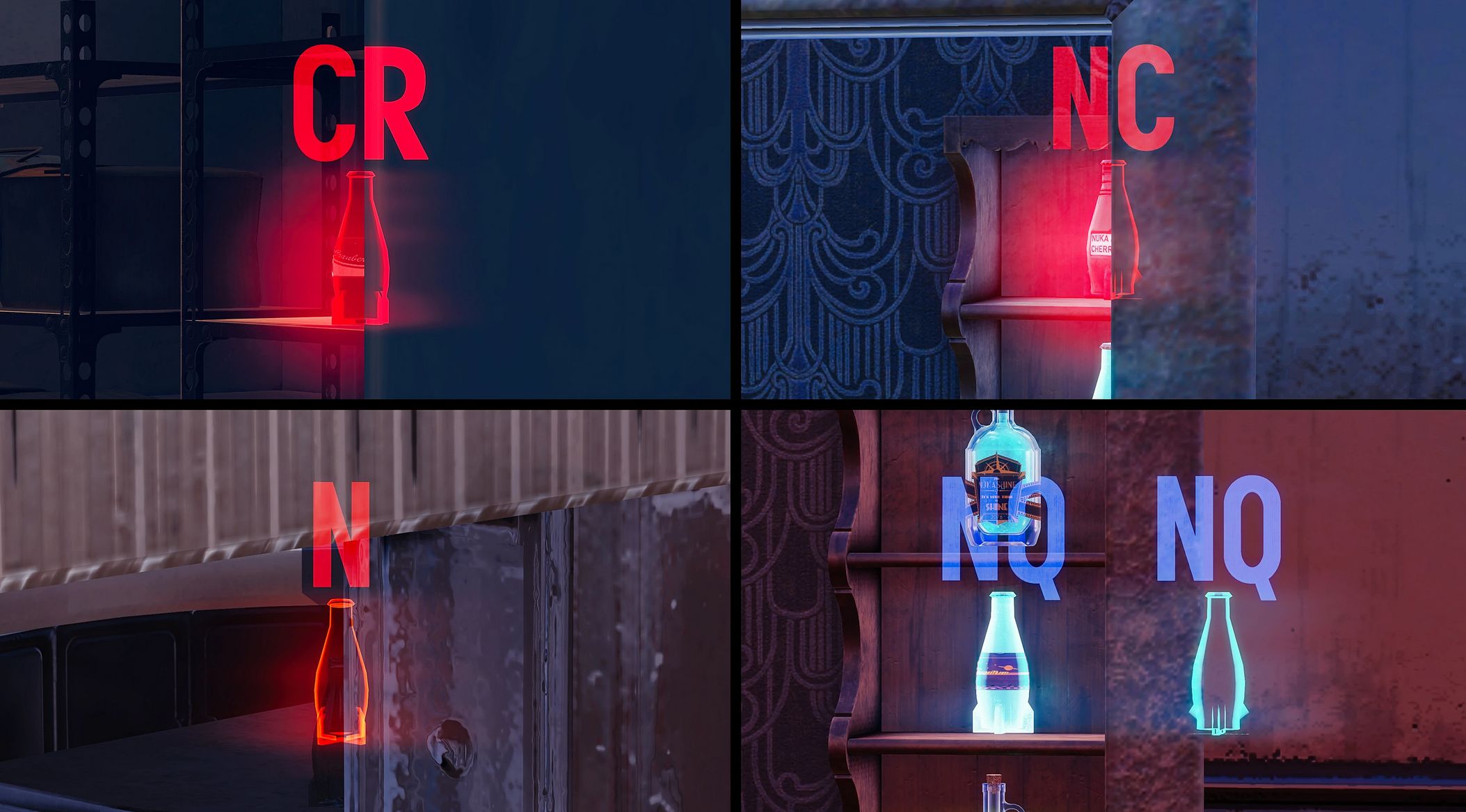
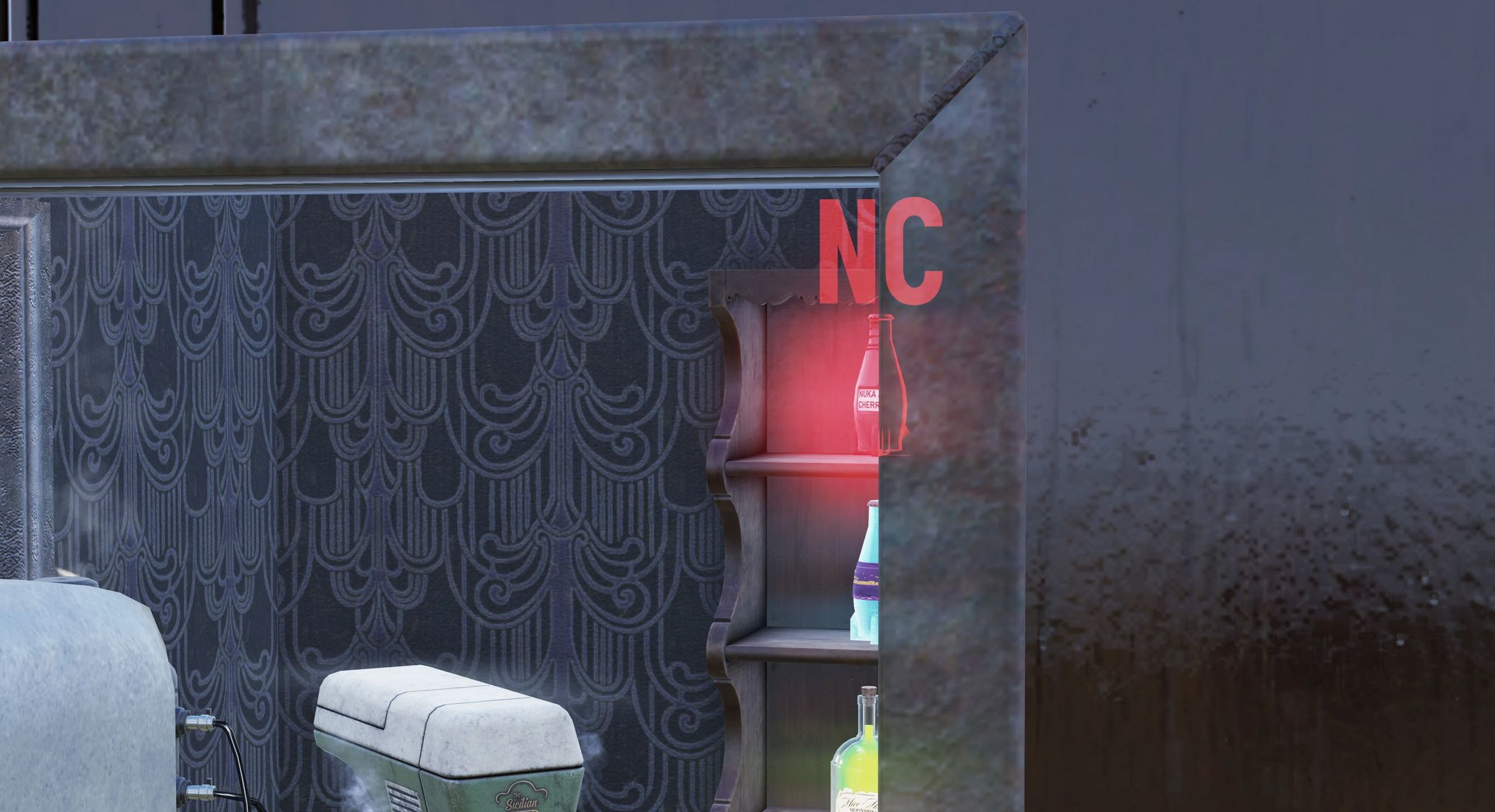
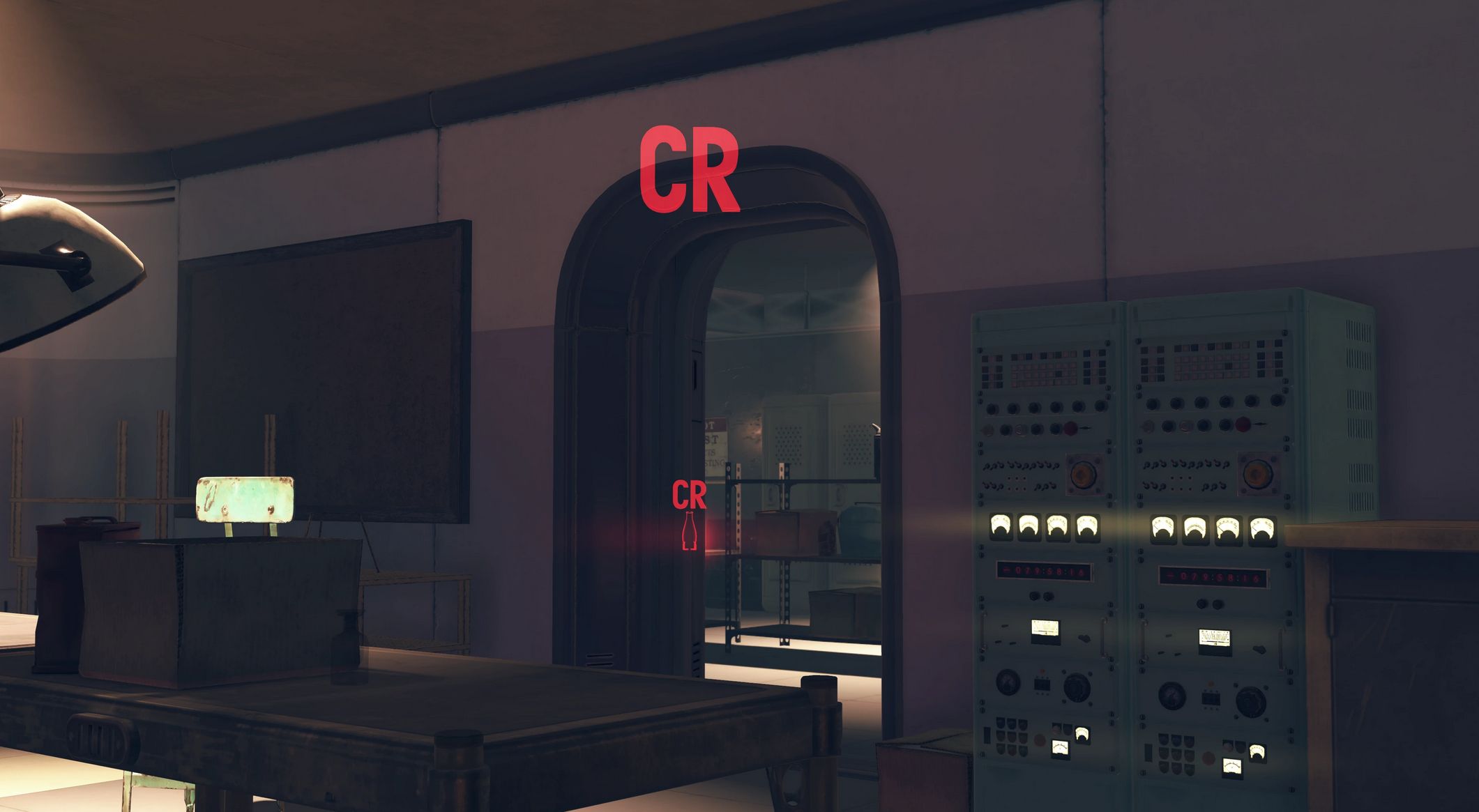
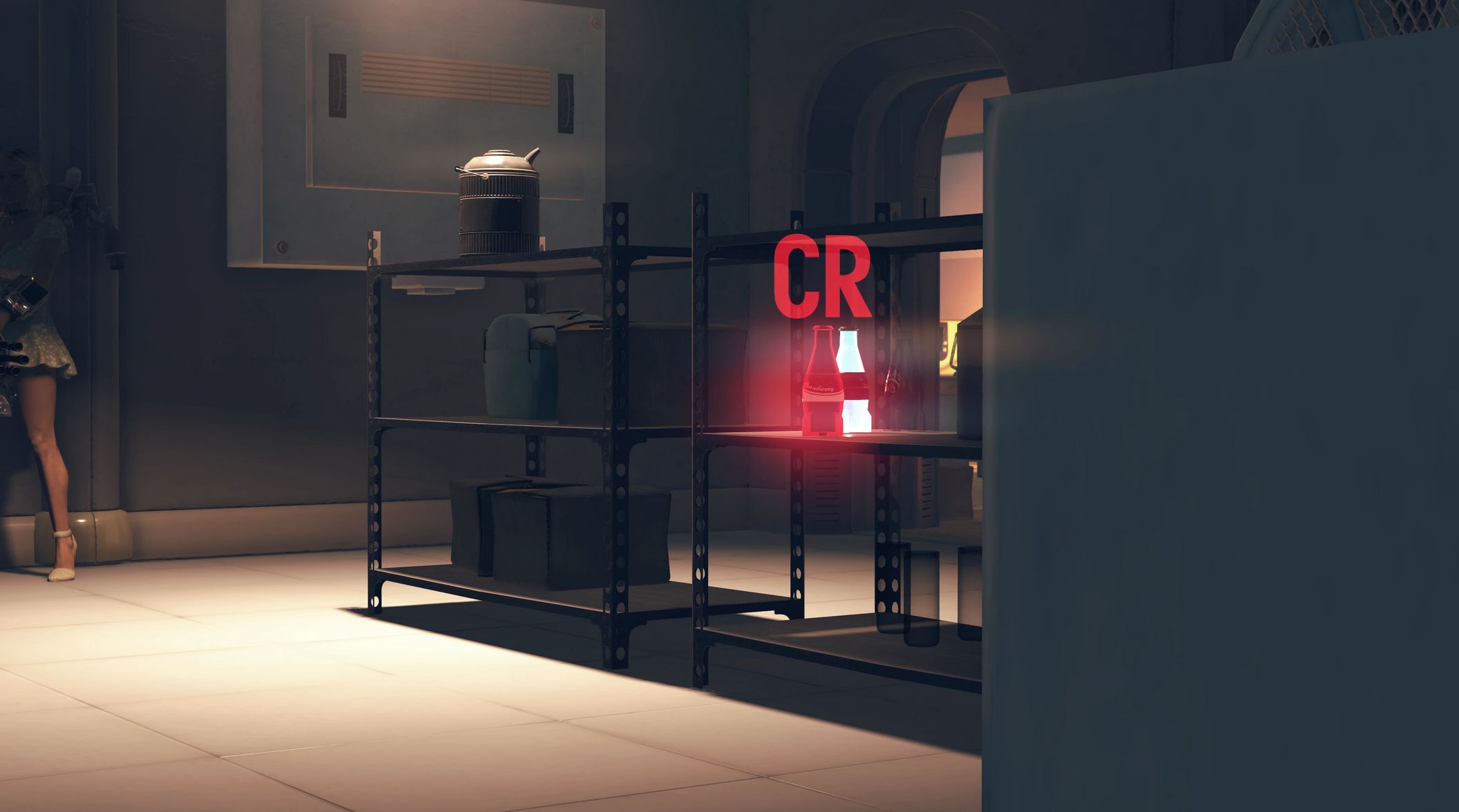
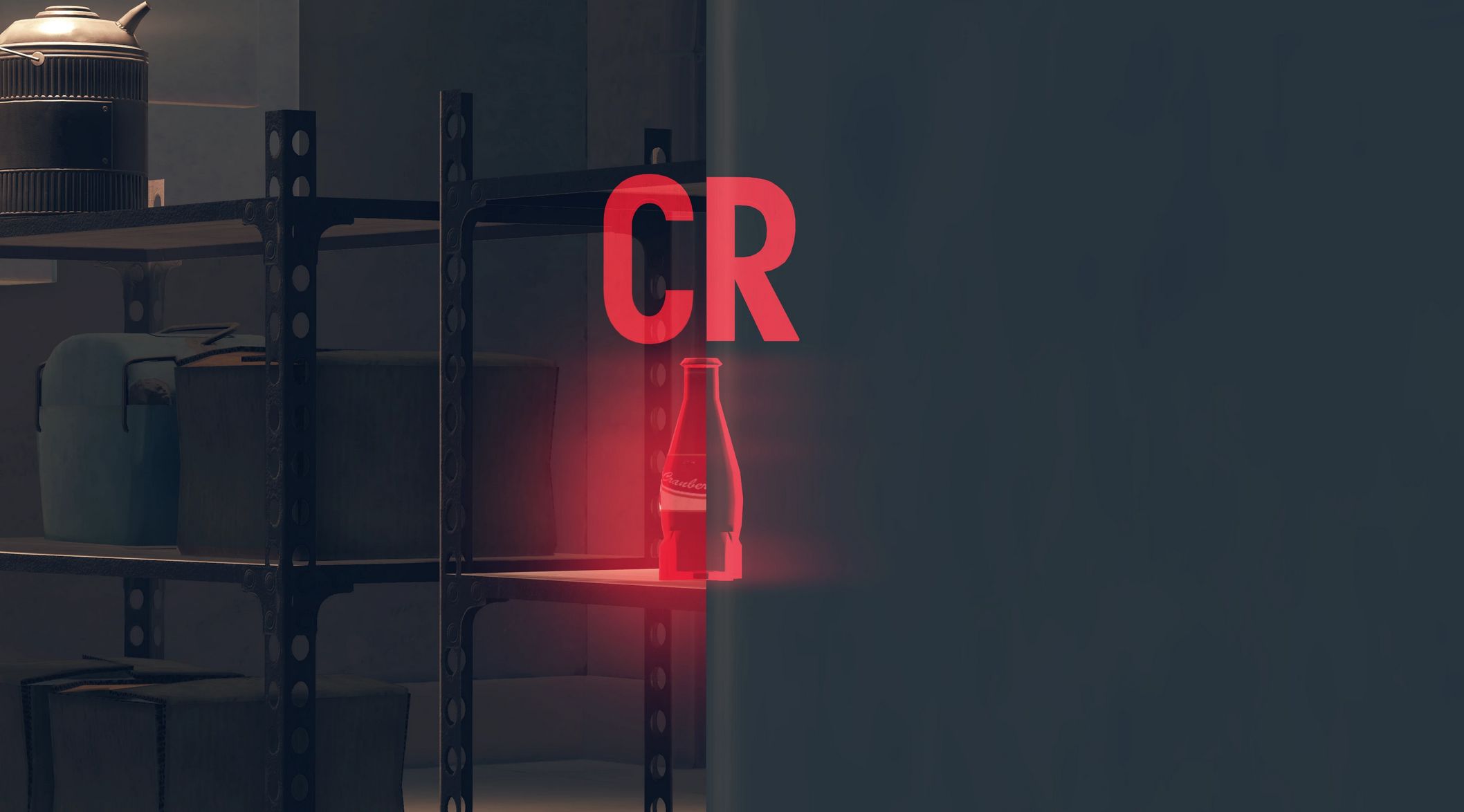
Nuka Cola Outline ESP – Cranberry – Cherry – Quantum – Wild – Regular v1.1.4
Got tired of looking for different Nukas for those daily challenges? Here’s a mod for you!
Version 1.1.4 Contents
– All in One bundle (including Nuka Cola, Cherry, Quantum and Cranberry outline markers with letters)
– Separate files for Nuka Cola, Cherry, Quantum, Wild and Cranberry outline markers with letters
– Separate files for Nuka Cola, Cherry, Quantum, Wild and Cranberry outline markers with no additional letter markers
– Separate files for Nuka Cherry and Cranberry outline markers with bigger letters
Installation
1. Extract the ba2 files from the main archive you’ve downloaded to your Fallout 76/Data folder.
2. Check whether you’ve got the Fallout76Custom.ini file (Steam version) or Project76Custom.ini file (MS Store version) under the Documents/My Games/Fallout 76 folder, and if not, create a new text file and rename it accordingly.
2a. If you’ve just created the .ini file, you need to open it (in notepad) and input this string in it: [Archive]
3. Find sResourceIndexFileList= line under the [Archive] section of your custom .ini file or type it down if there is no such line.
4. Add ” ,ESP_NC_AiO.ba2″ (without quotes) to the end of the sResourceIndexFileList line
4a. If you’ve downloaded Nuka Cherry Outline ESP, Add ” ,ESP_NC_Cherry.ba2″ (without quotes) to the end of the sResourceIndexFileList line
4b. If you’ve downloaded Nuka Cranberry Outline ESP, Add ” ,ESP_NC_Cranberry.ba2″ (without quotes) to the end of the sResourceIndexFileList line
4c. If you’ve downloaded Nuka Quantum Outline ESP, Add ” ,ESP_NC_Quantum.ba2″ (without quotes) to the end of the sResourceIndexFileList line
4d. If you’ve downloaded Regular Nuka Cola Outline ESP, Add ” ,ESP_NC_Regular.ba2″ (without quotes) to the end of the sResourceIndexFileList line
Note:
Only you will see these markers in your game, other players won’t, so it’s just for your own QoL.

 Loading...