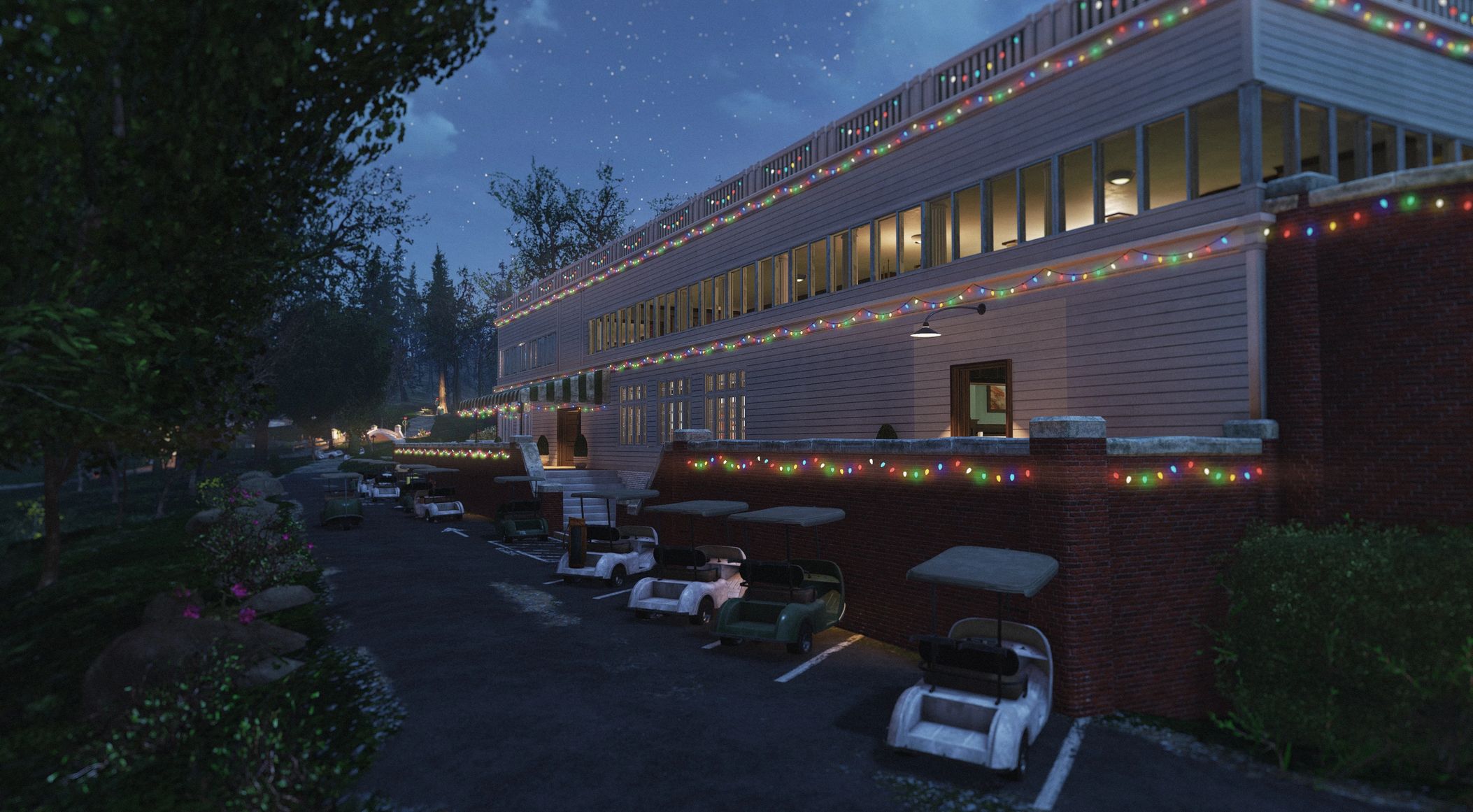
Appalachia Decorated – Festive Lights – Street Lighting – Billboard Lights – Christmas Decor v1.0.1
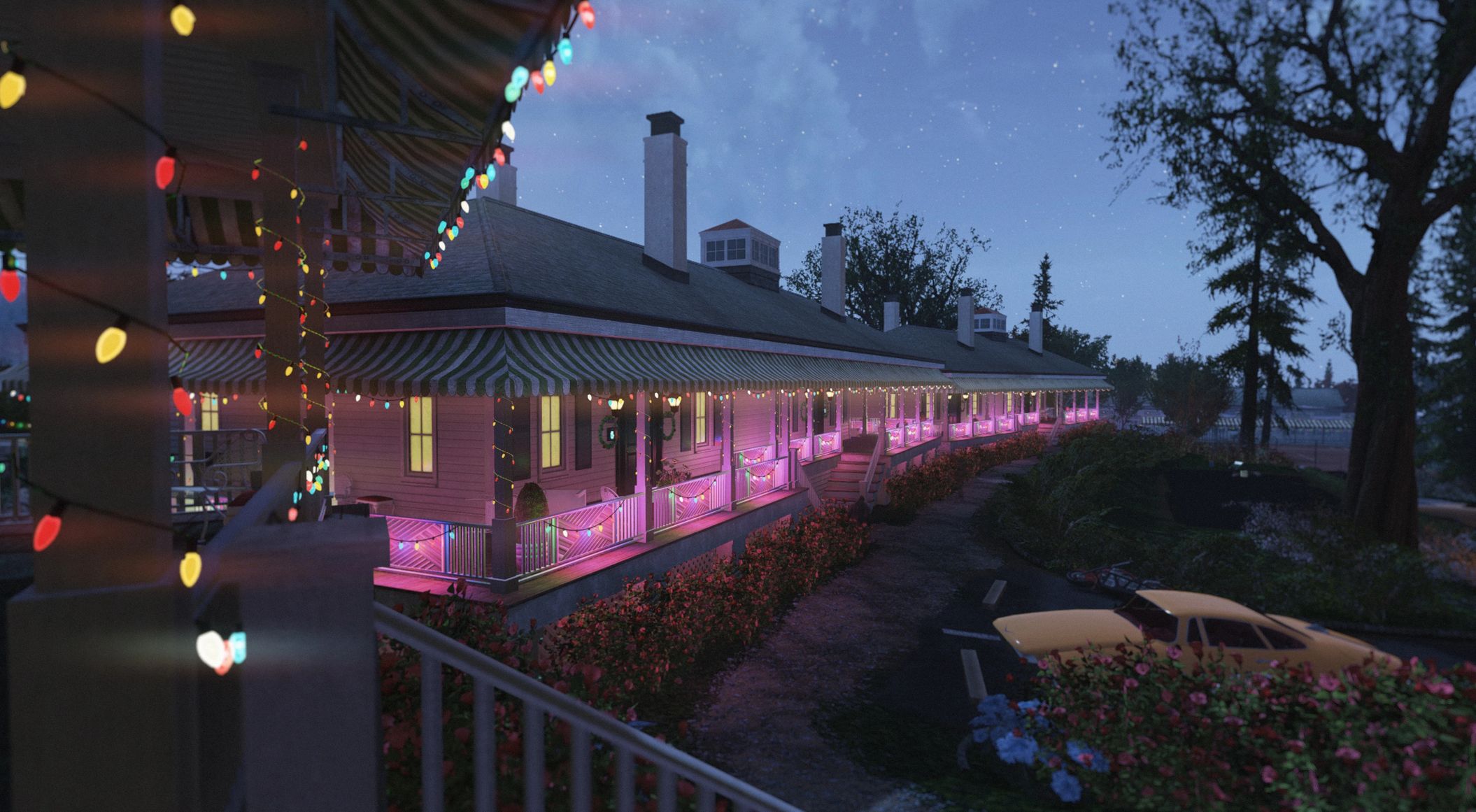
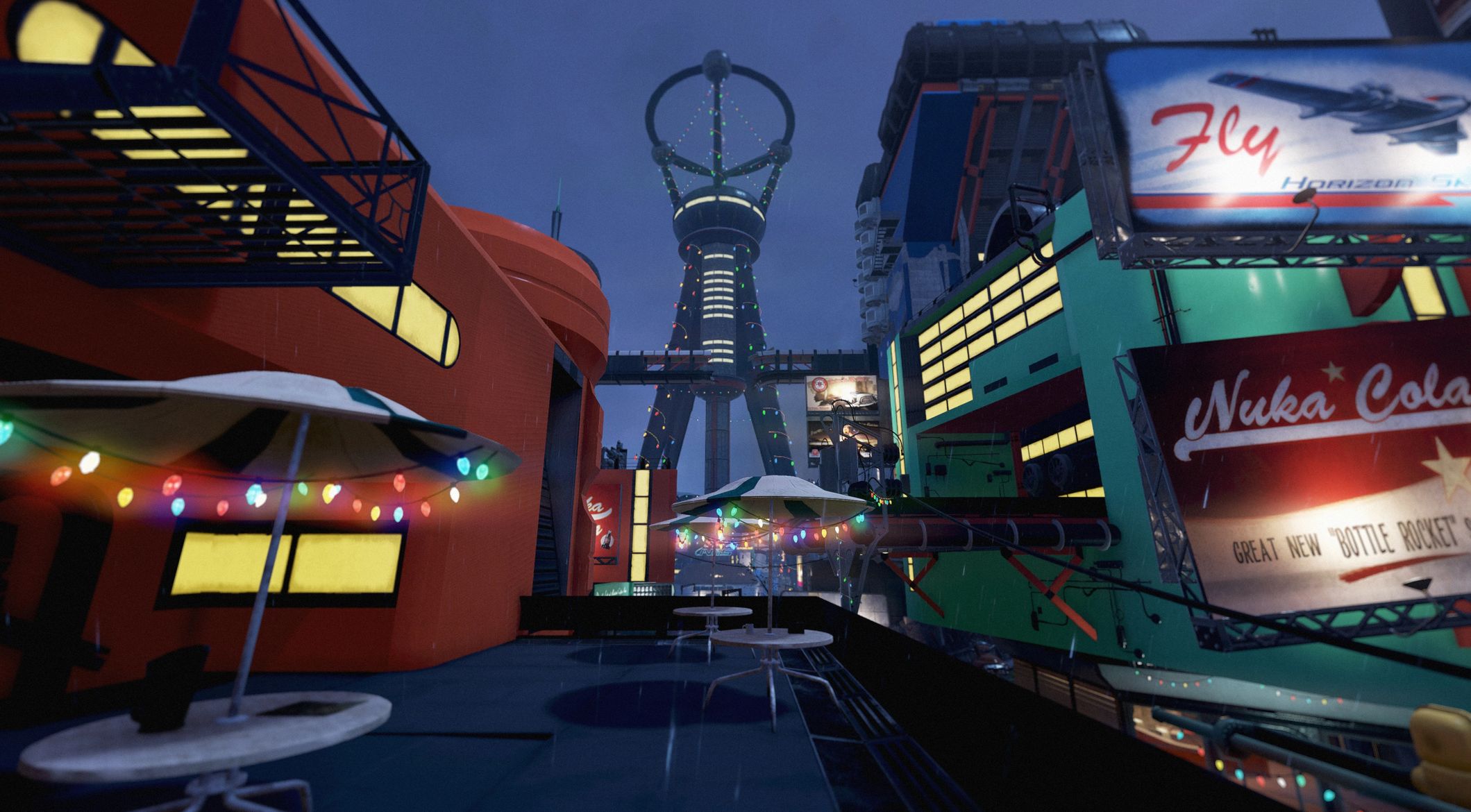
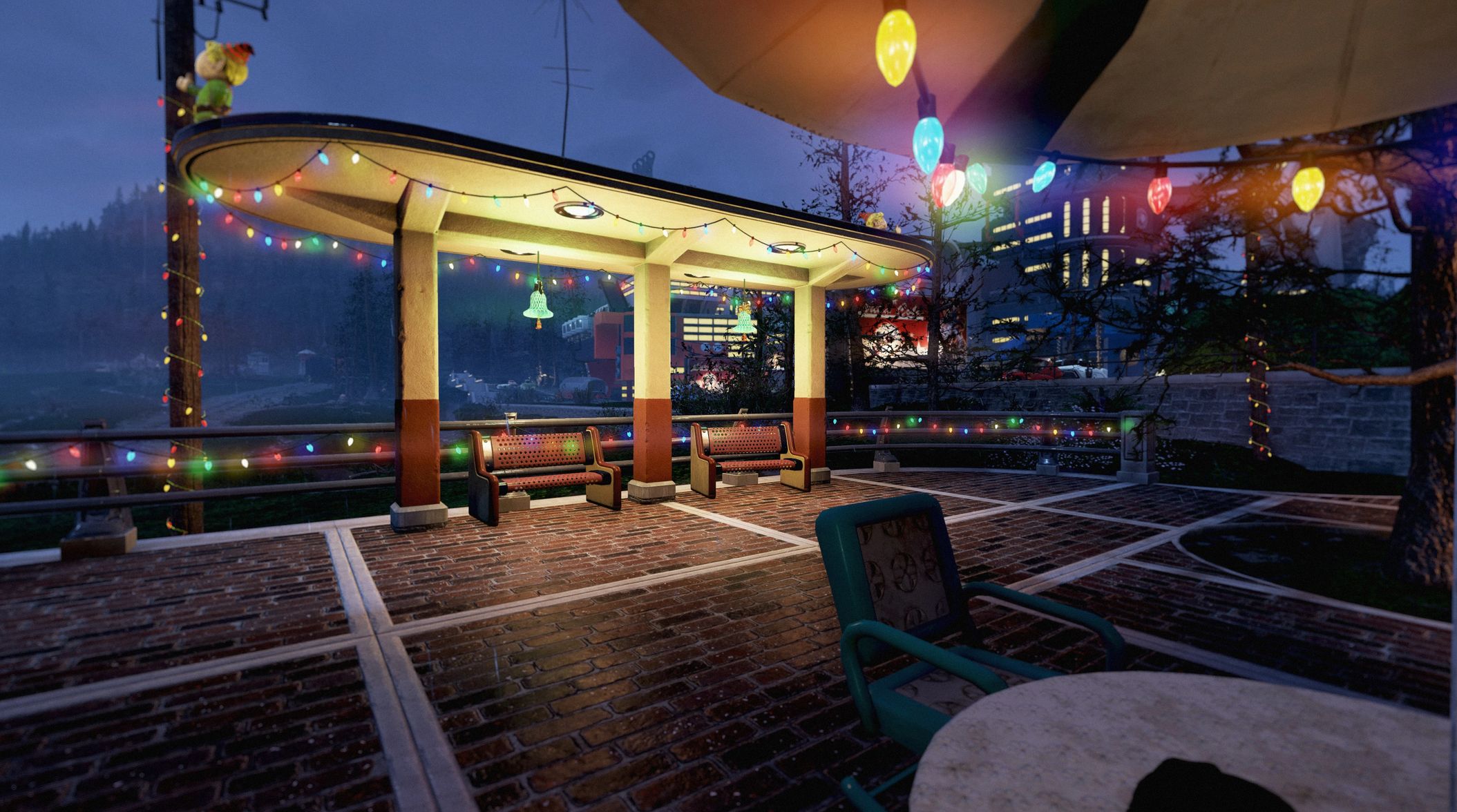
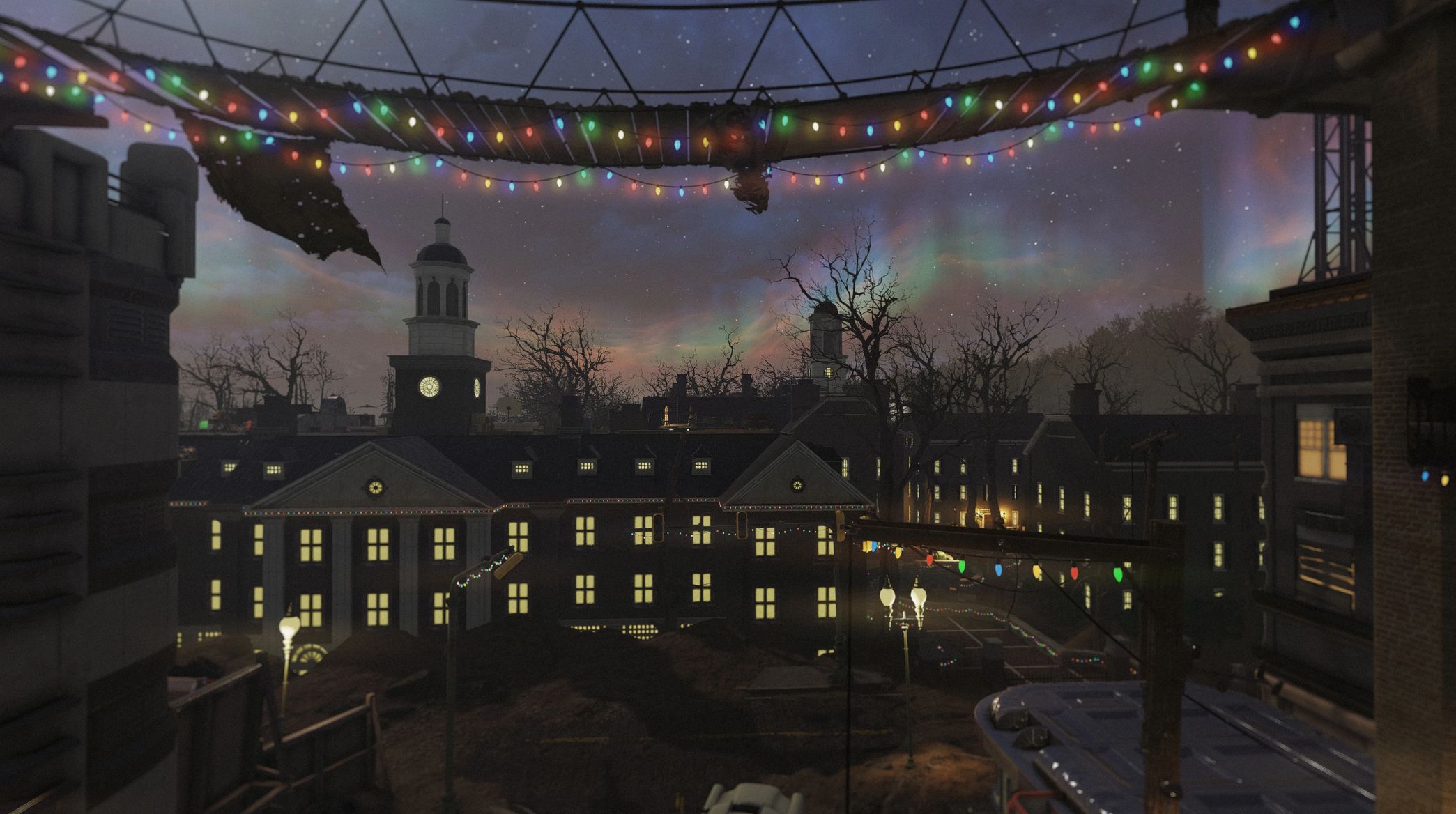
Drown the wasteland in festive holiday lights! Available in 2 versions: Regular and Christmas-themed.
This mod unites the street lighting from my Appalachia Restored and festive holiday lights and decor from Winter in Appalachia to create a match made in heaven – Appalachia Decorated! Now you can enjoy holiday festivity all year round!
Version 1.0.1 Contents
– Festive Lights All in One Bundle – Adds regular festive lights, street lighting and billboard lighting all across the world
– Christmas Lights All in One Bundle – Does the same but adds more Christmas themed decor
– Lit Billboards Only Bundle – Only adds lit up and cleaned up billboards to the world
Installation
1. Extract the ba2 files from the main archive you’ve downloaded to your Fallout 76/Data folder.
2. Check whether you’ve got the Fallout76Custom.ini file (Steam version) or Project76Custom.ini file (MS Store version) under the Documents/My Games/Fallout 76 folder, and if not, create a new text file and rename it accordingly.
2a. If you’ve just created the .ini file, you need to open it (in notepad) and input this string in it: [Archive]
3. Find sResourceIndexFileList= line under the [Archive] section of your custom .ini file or type it down if there is no such line.
4. Add ” ,AR_Dec.ba2 ,AR_Dec_T.ba2″ (without quotes) to the end of the sResourceIndexFileList line
4a. If you’ve downloaded Clean Lit Billboards bundle, add ” ,AR_Dec_Billboards.ba2 ,AR_Dec_T_Billboards.ba2″ (without quotes) to the end of the sResourceIndexFileList line
Note:
Only you will see these lights and effects in your game, other players will still see what they have in their game, so it’s just for your own aesthetic pleasure and screenshotting purposes.

 Loading...