Appalachian Tropical Jungle – Summer in Appalachia v1.0.1
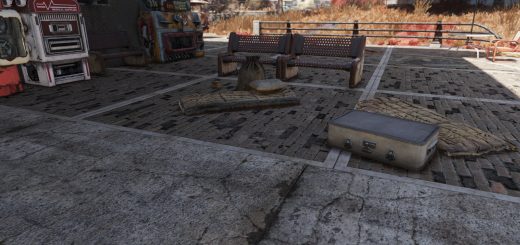
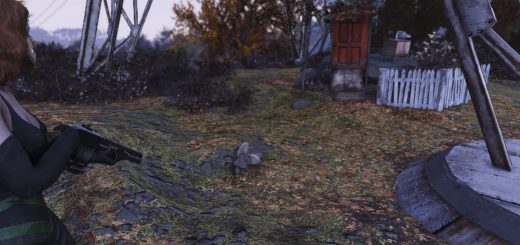
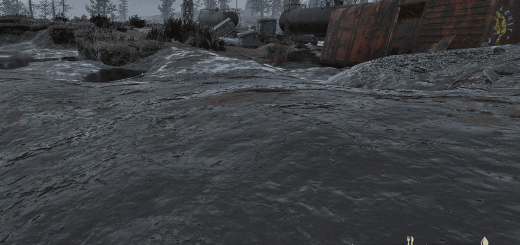
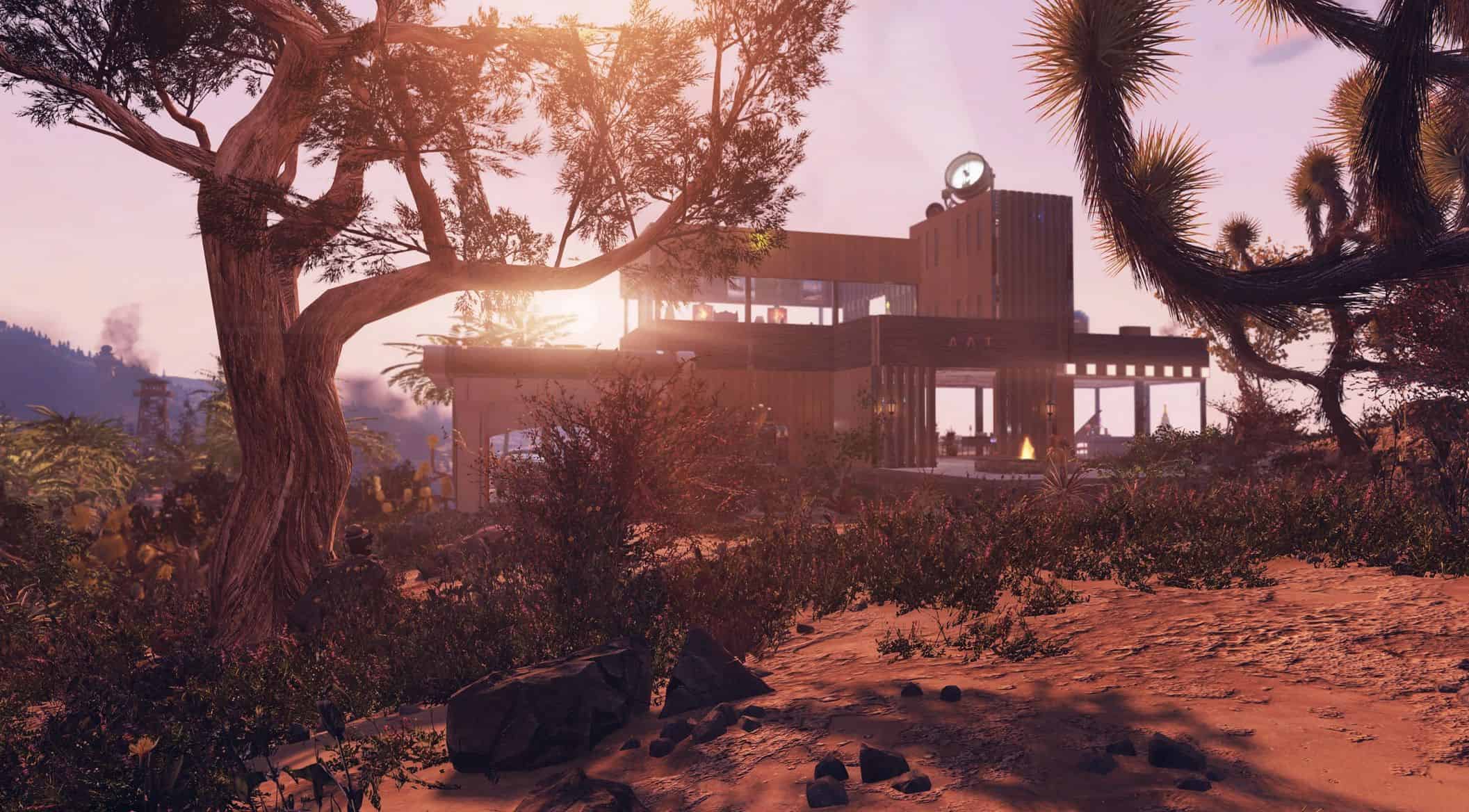
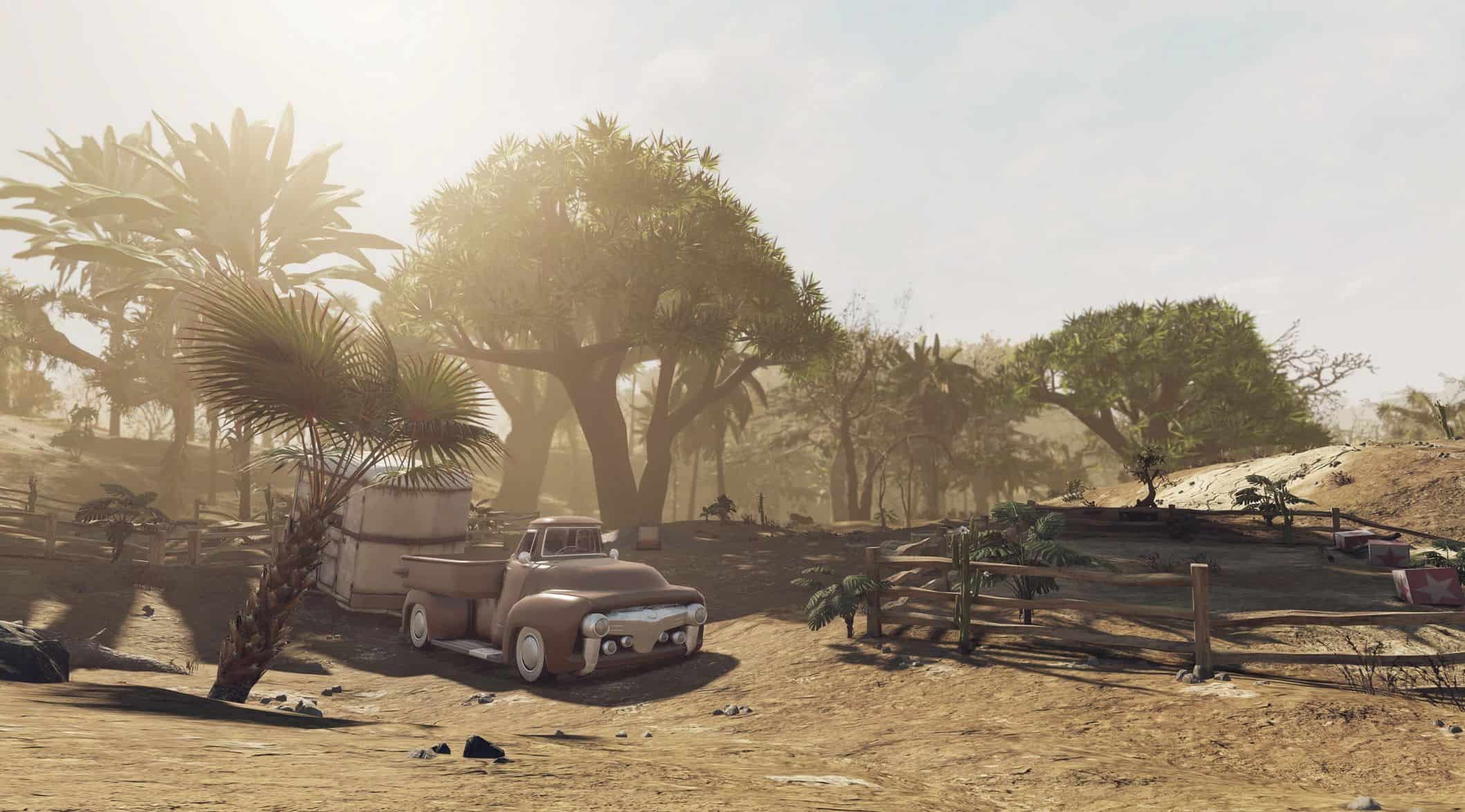
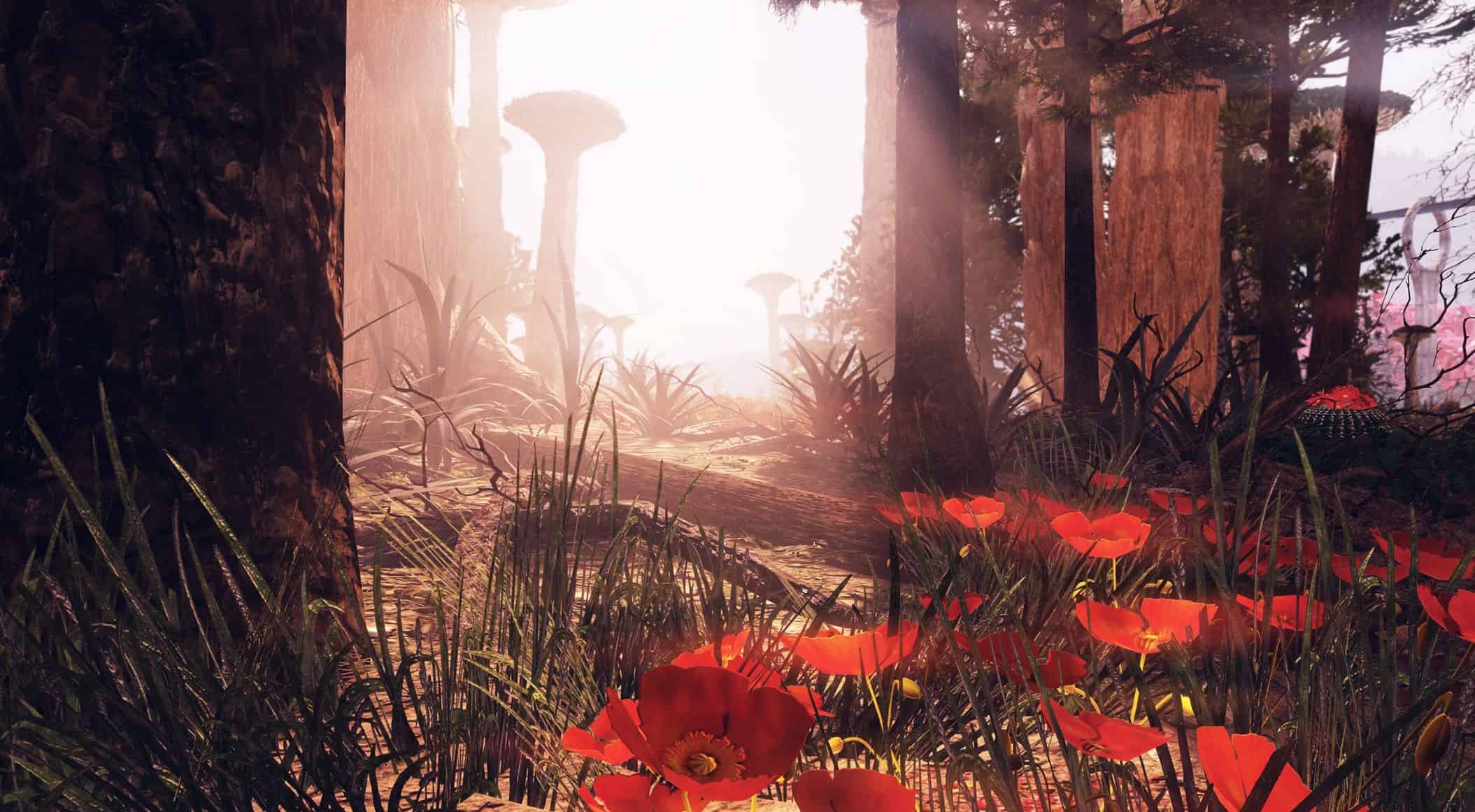
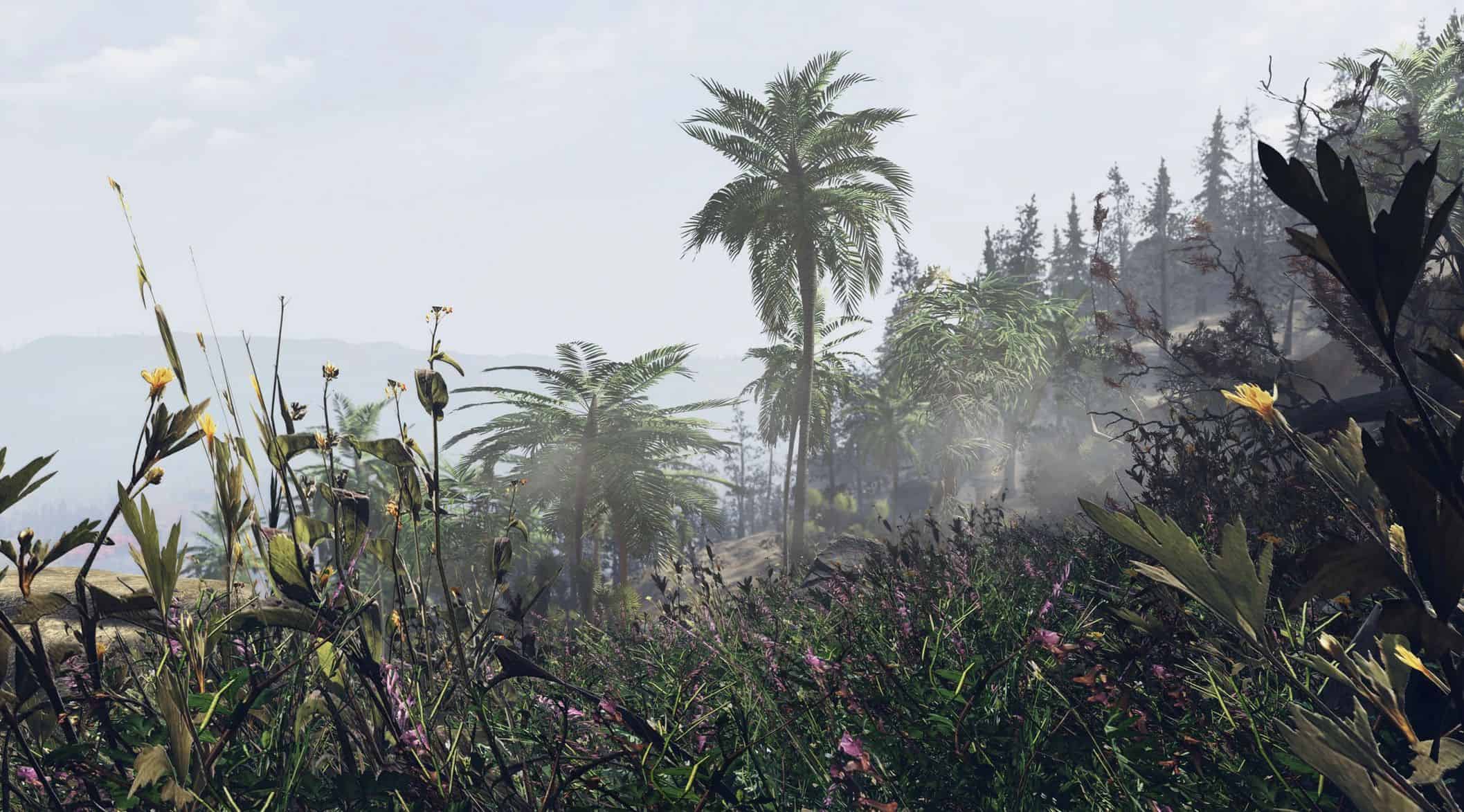
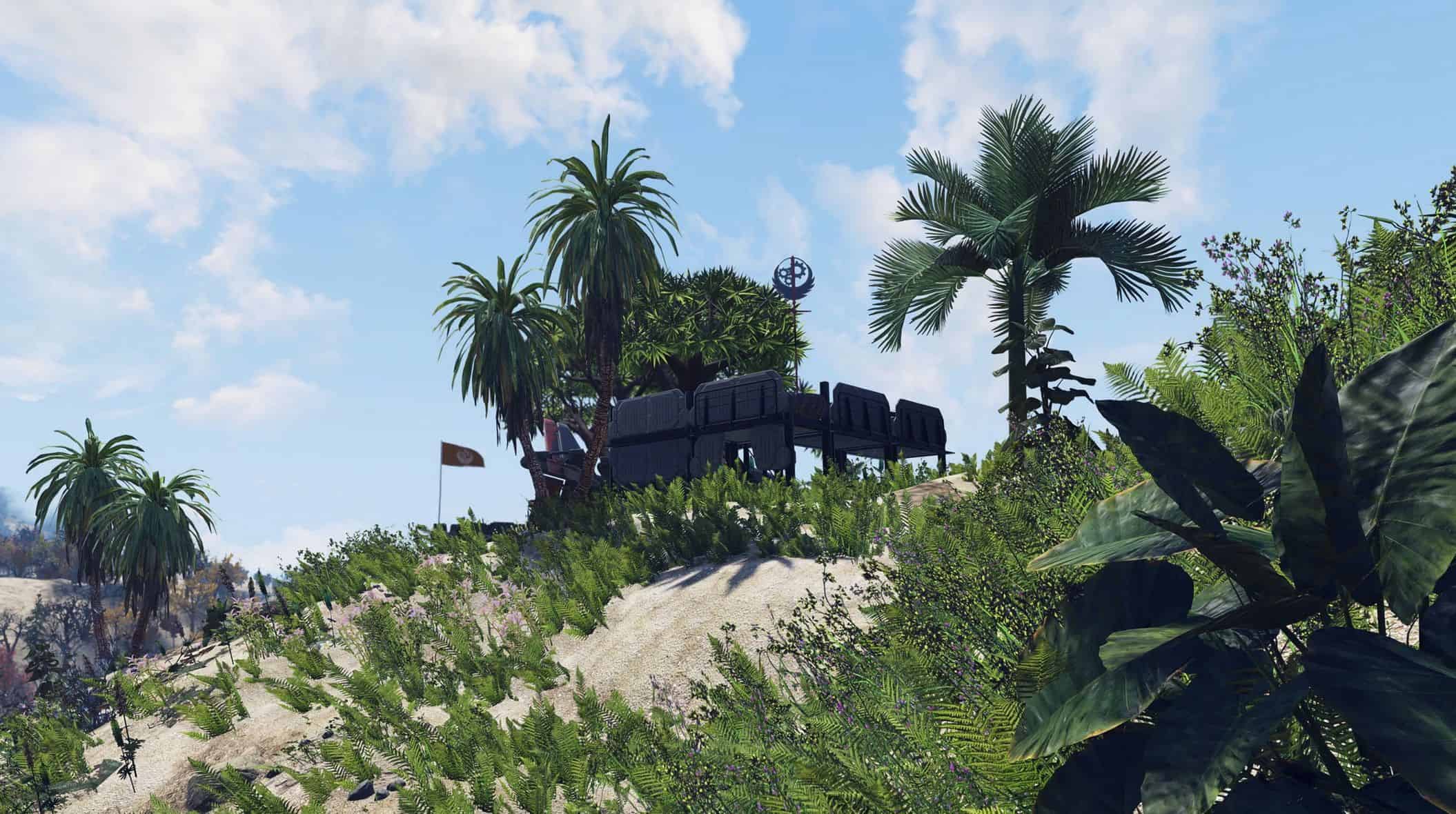
Ever wanted to add tropical vibe to your game turning it into Far Cry/Vice City? This mod revamps the environment with sand, palm trees, and other tropical plants!
This mod turns your game world into the tropical jungle replacing all ground cover, plants and other flora with sand, palm trees, ferns, cacti etc.
Version 1.0.1 Contents
– Appalachian Tropical Jungle Landscape replacer
– Subtle Reshade preset (most of the screens taken with it)
– Atmospheric loading screens taken with this mod on (all of which are in the screenshots section) as a separate mod download
Installation
Extract the ba2 files from the archive you’ve downloaded to your Fallout 76/Data folder.
Check whether you have the Fallout76Custom.ini file (Steam version) or Project76Custom.ini file (MS Store version) under the Documents/My Games/Fallout 76 folder, and if not, create a new text file and rename it accordingly.
If you’ve just created the .ini file, you need to open it (in notepad) and type this string in it: [Archive]
Find sResourceArchive2List = line under the [Archive] section of your custom .ini or type it down if there is no such line.
Add “,AJ_M.ba2, AJ_T.ba2, AJ_T_Patch.ba2″ (without quotes) to the end of the sResourceArchive2List line.
If you’ve downloaded 8k Rocks texture pack, add ” ,AJ_Rocks_T_8k.ba2″ (without quotes) to the end of the sResourceArchive2List line.
If you’ve downloaded Loading Screens pack, add ” ,AJ_Screens.ba2″ (without quotes) to the end of the sResourceArchive2List line.
If you’re installing an update, just replace the old files while extracting the patch archive to Fallout 76/Data folder. Nothing else.
Note: Only you will see this retexture in your game, other players will still see the world as it is in their game (according to the mods they have installed), so it’s just for your own aesthetic pleasure and screen-shotting purposes.
Reshade installation
– Download reshade from its official site if you don’t have it yet.
– Download my reshade preset and extract it to your game’s folder.
– Install Reshade and point it to my reshade preset file (Appalachian Jungle Reshade.ini) when prompted.
– If you already have reshade installed, open its overlay in-game with “Home” (or whatever hotkey you set for it) and load my preset file Appalachian Jungle Reshade.ini using the folder button in the topmost section of the Home tab.
Note that if you have SFE installed, you need to do the following, as Reshade won’t install while SFE’s dxgi.dll file is residing in your game’s folder:
Remove SFE and install Reshade using the instructions above. Rename reshade’s dxgi.dll (residing in Fallout 76 folder) into d3d11.dll, then reinstall SFE (to effectively put its own dxgi.dll file beside the one you just renamed). Now they should work together.

 Loading...