Vision 2102 v1.0
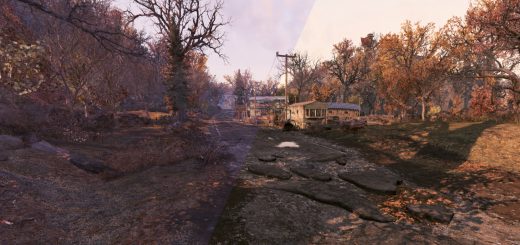
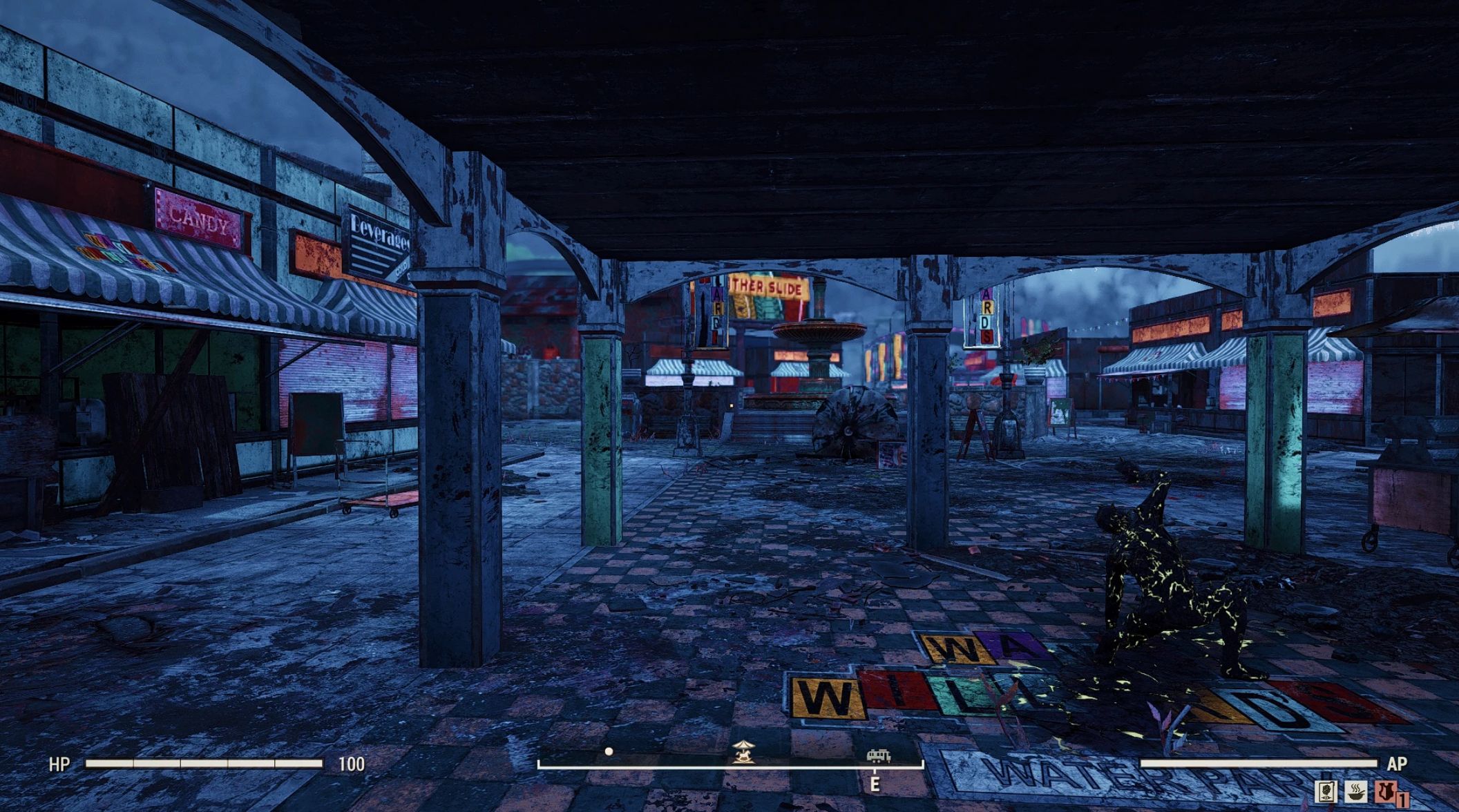
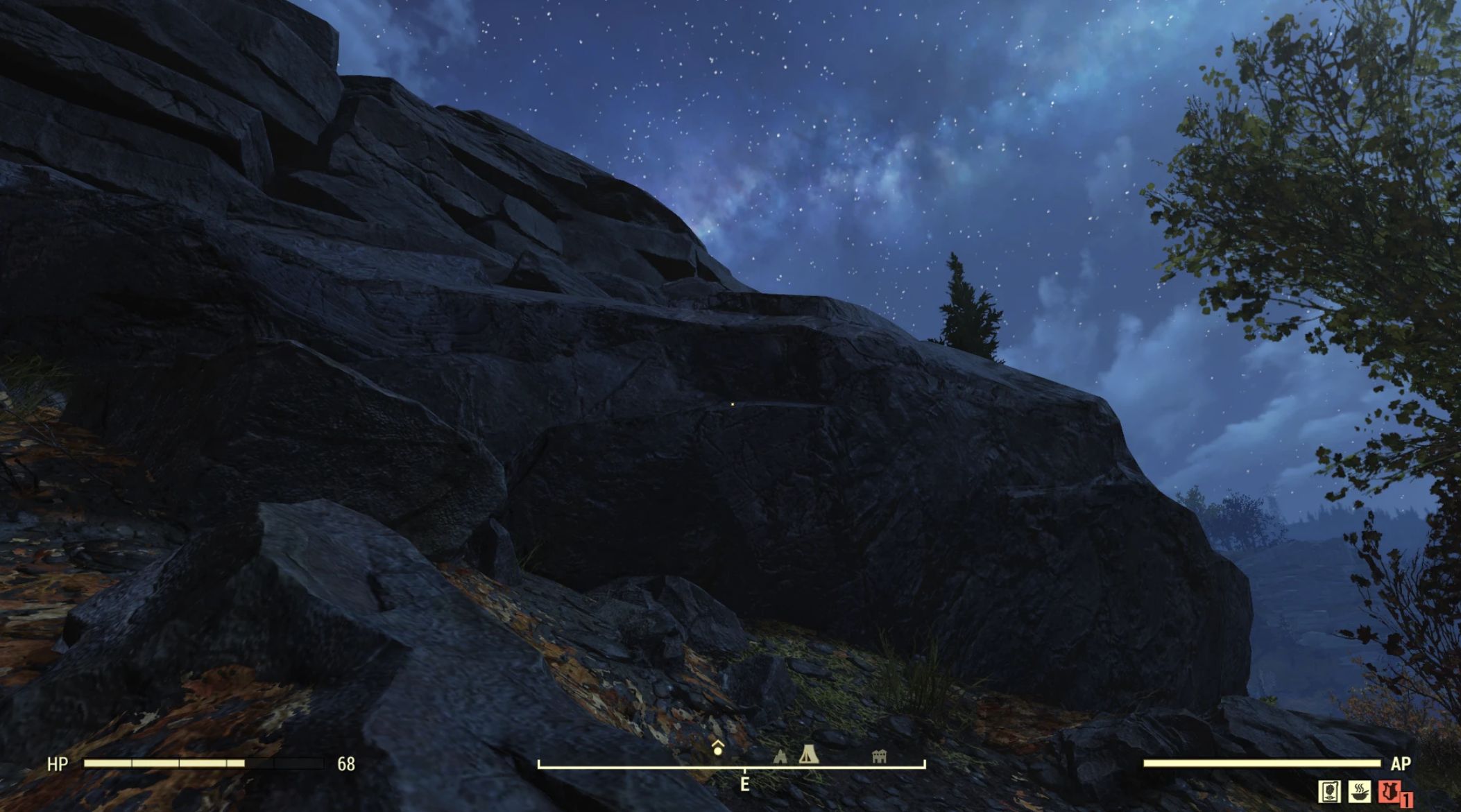
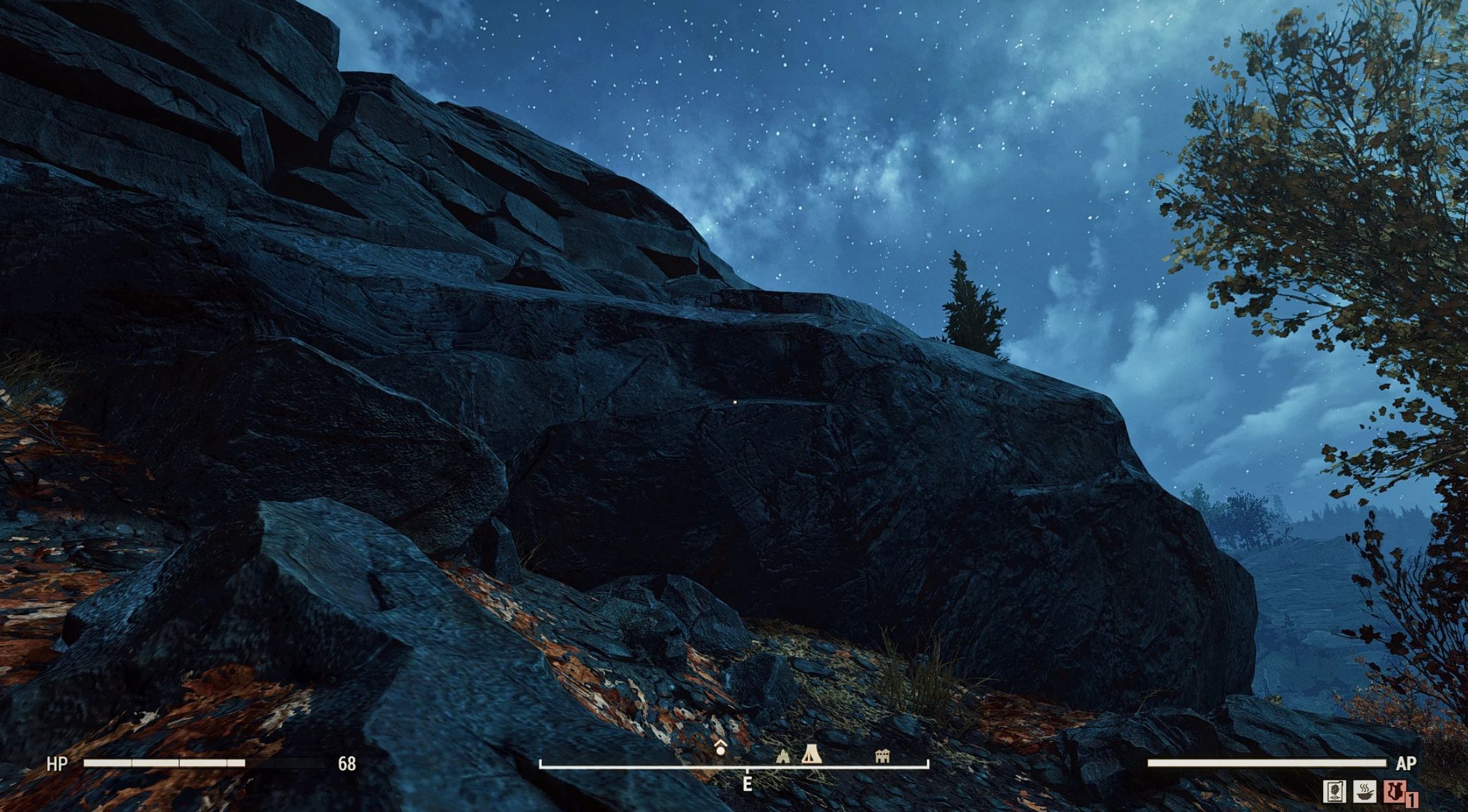
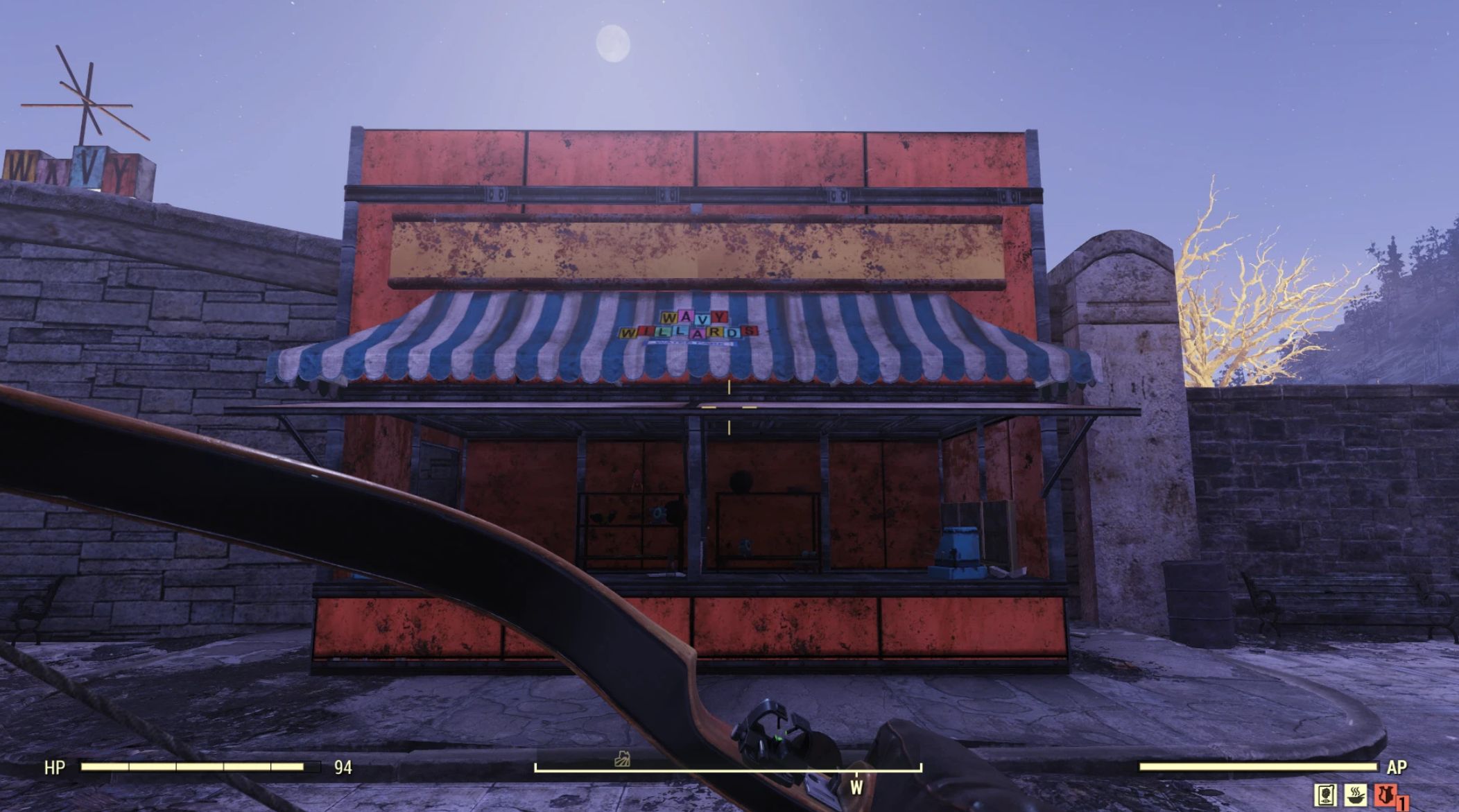
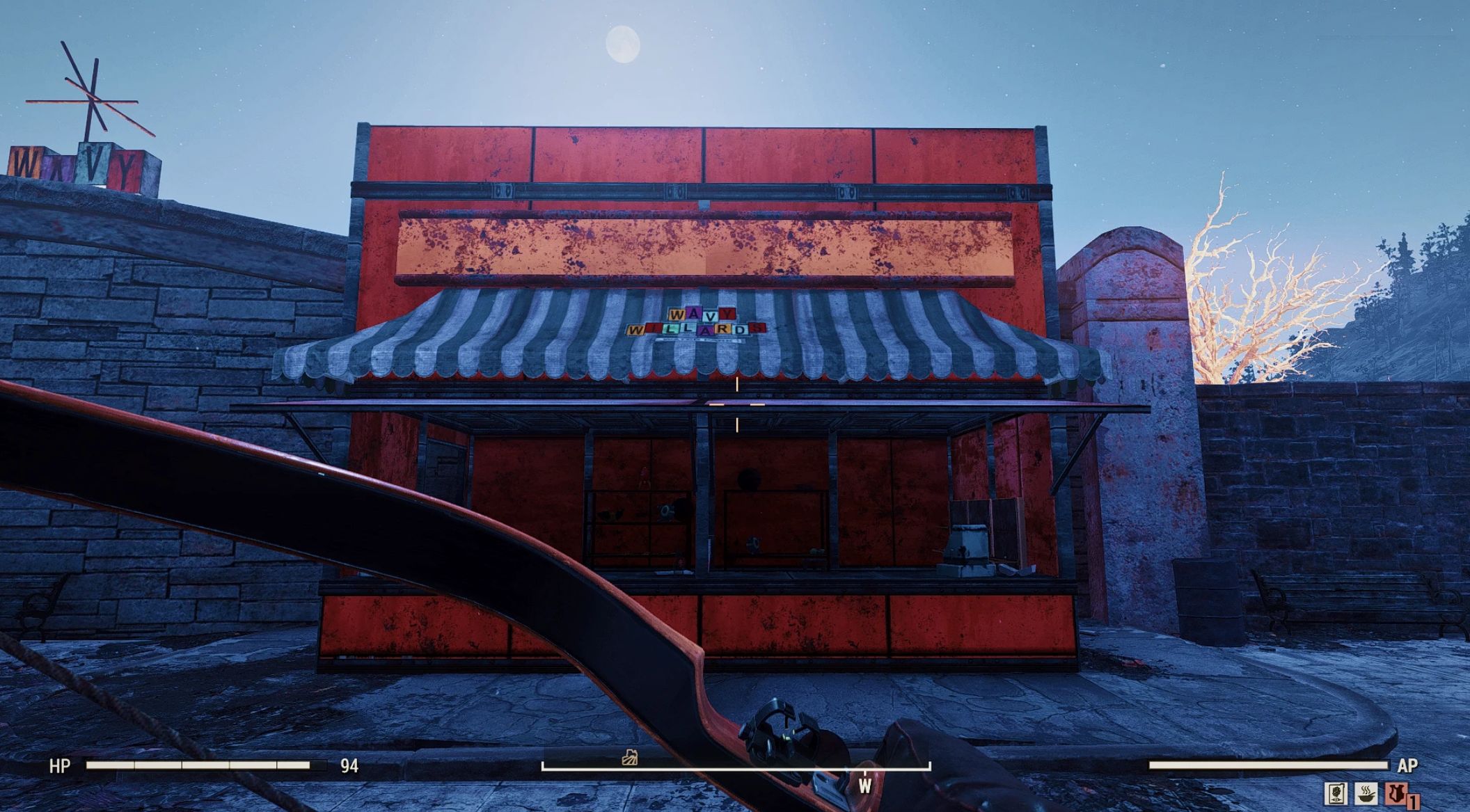
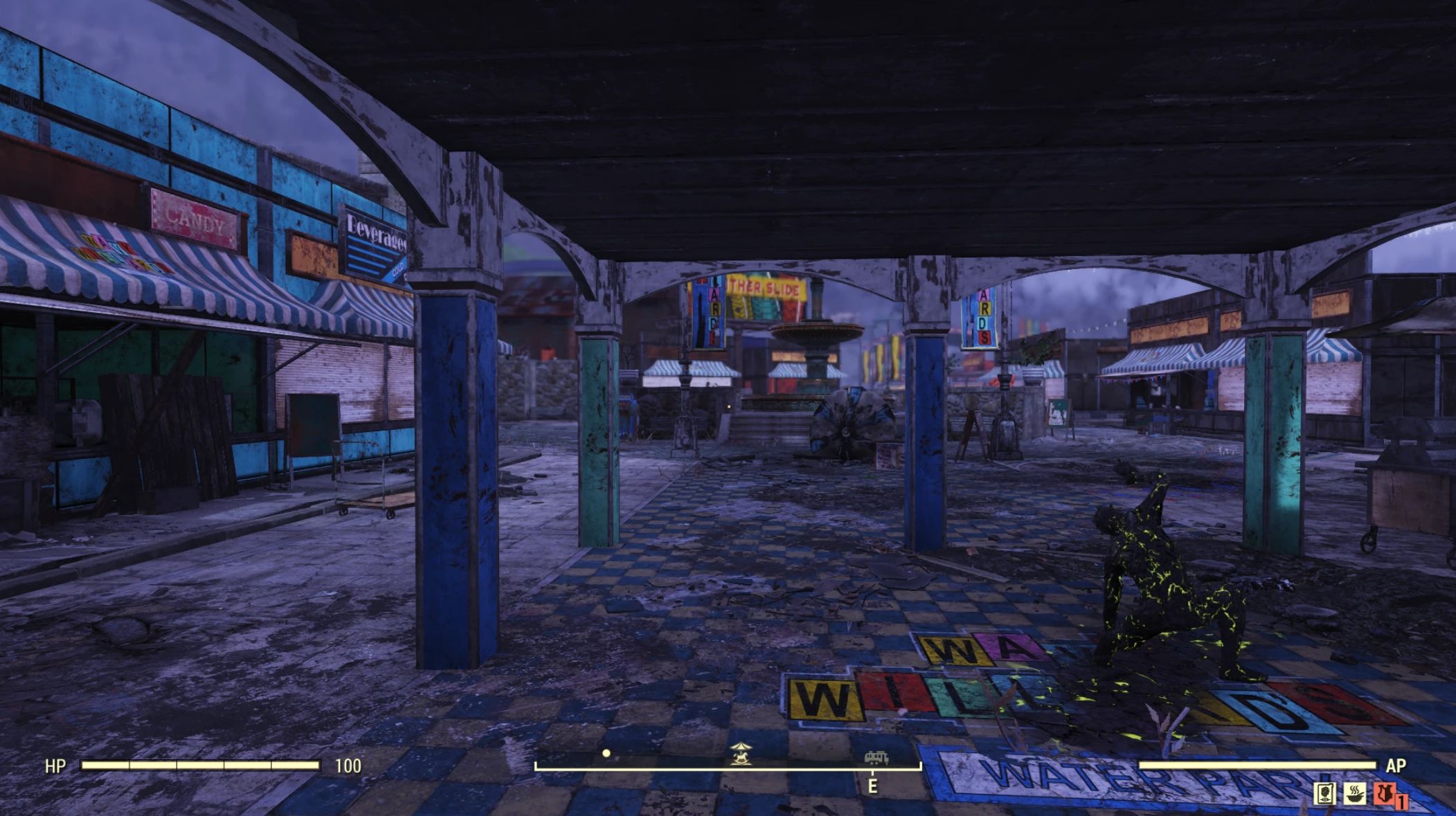
Appalachia shouldn’t look like a theme park. Vision 2102 strips away the saturated “cartoon” colors for a heavy, cold survival aesthetic. Features deep shadows, neutralized lighting, and a custom Clarity+CAS stack that makes rust and metal look gritty and real. 0 FPS performance cost.
INTRODUCTION
The bombs dropped 25 years ago. The world shouldn’t look like a cartoon.
Appalachia shouldn’t be neon green. It should look like a nuclear wasteland.
Vision 2102 is a ReShade preset designed to strip away the washed-out, saturated “theme park” look of vanilla Fallout 76. It replaces the native color grading with a heavy, gritty, cinematic atmosphere inspired by The Road and S.T.A.L.K.E.R..
By combining a handcrafted LUT with negative vibrance and a heavy texture stack, this preset restores the feeling of danger to the wasteland purely through visuals.
VISUAL FEATURES
– Grim Atmosphere
– Uses negative vibrance to tame the neon grass and bright red trees. The forest now looks desaturated and dangerous.
– Heavy Shadows
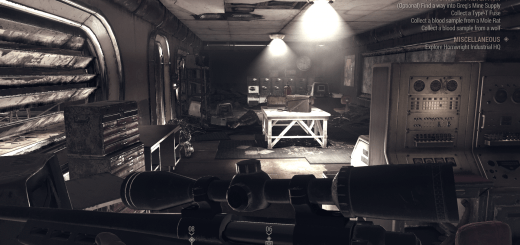
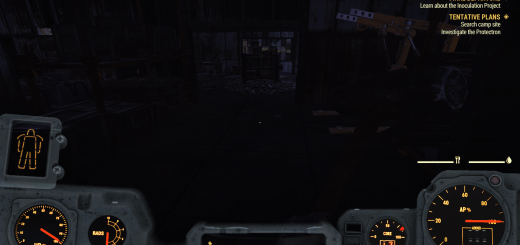
– Fixes the “glowing” grey shadows. Night is actually dark. Interiors are terrifying.
– Texture Clarity
– Uses a custom “Triple-Stack” method (Clarity + Luma + CAS) to make rust, metal, and power armor look heavy and weathered without over-sharpening.
– Cold Grading
– Removes the warm/orange tint and replaces it with a cold, steel-blue aesthetic.
– Native Performance
– Costs 0-1 FPS. No heavy lighting scripts (RTGI/Solaris) used.
COMPARISON
VANILLA:
– Saturated, cartoon-like colors.
– “Glowing” grey shadows.
– Flat, plastic-looking textures.
VISION 2102:
– Desaturated, realistic tones.
– Pitch black nights and shadows.
– Deep, crunchy texture details.
INSTALLATION
Step 1: Place Files
1. Download this mod.
2. Open the .zip file.
3. Extract the Vision2102.ini file and the reshade-shaders folder into your main Fallout 76 root folder (Where Fallout76.exe is located).
Step 2: Install ReShade
1. Download the latest ReShade from ReShade.me.
2. Run the installer and select Fallout76.exe.
3. Select DirectX 10/11/12.
4. IMPORTANT: When the installer asks to “Select a preset to install,” click Browse and select the Vision2102.ini file you just extracted.
5. Click Next/Finish.
Step 3: Play
1. Launch the game.
2. Press Home to open the overlay.
3. Confirm “Vision 2102” is selected in the top bar.
CUSTOMIZATION
This preset is built to be tweaked to your specific monitor. If the look is too intense for you, you can adjust it easily in the ReShade menu:
– Want more color? Find LUT.fx and raise the LUT Chroma Amount slider.
– Want lighter shadows? Find LUT.fx and lower the LUT Luma Amount slider.

 Loading...