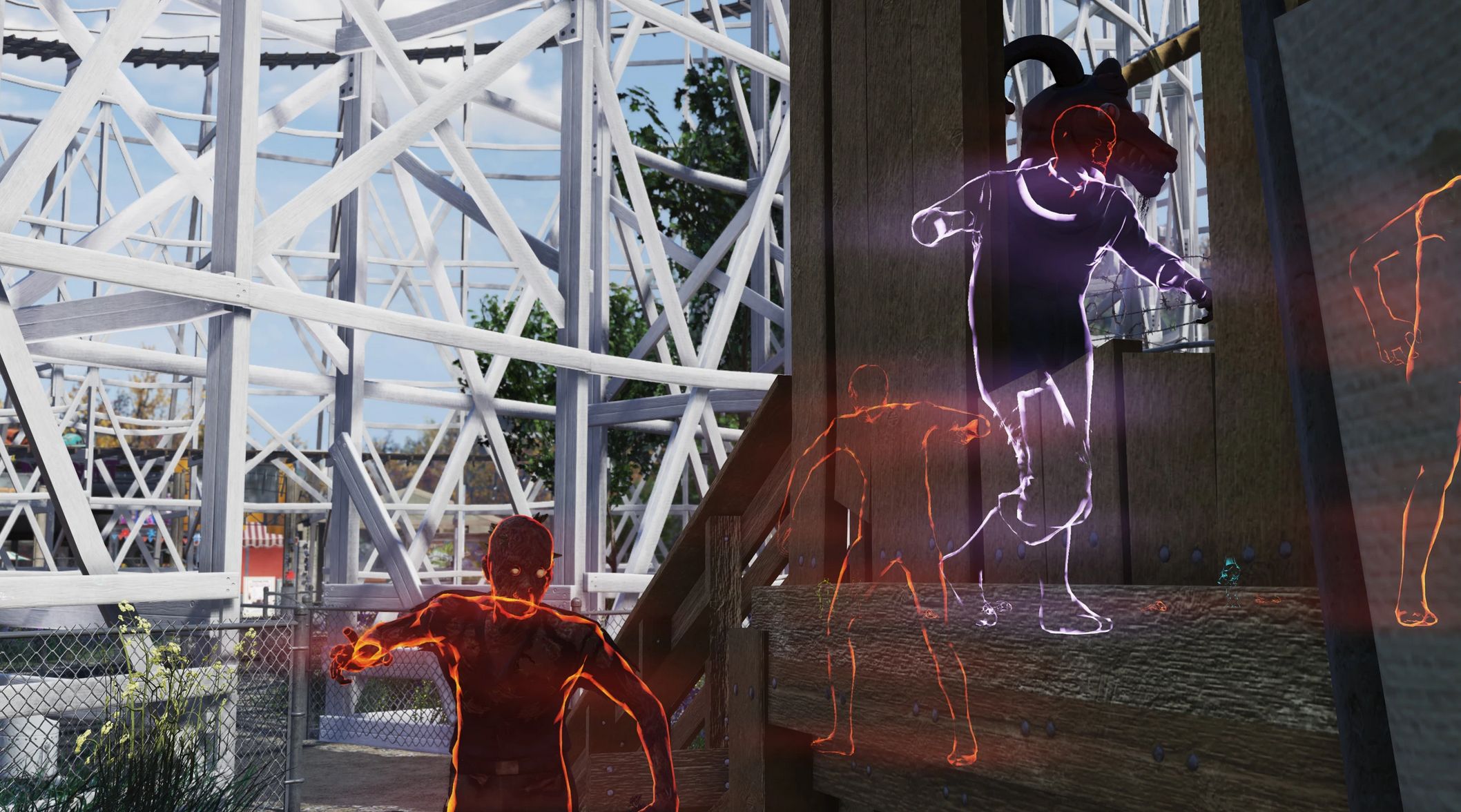
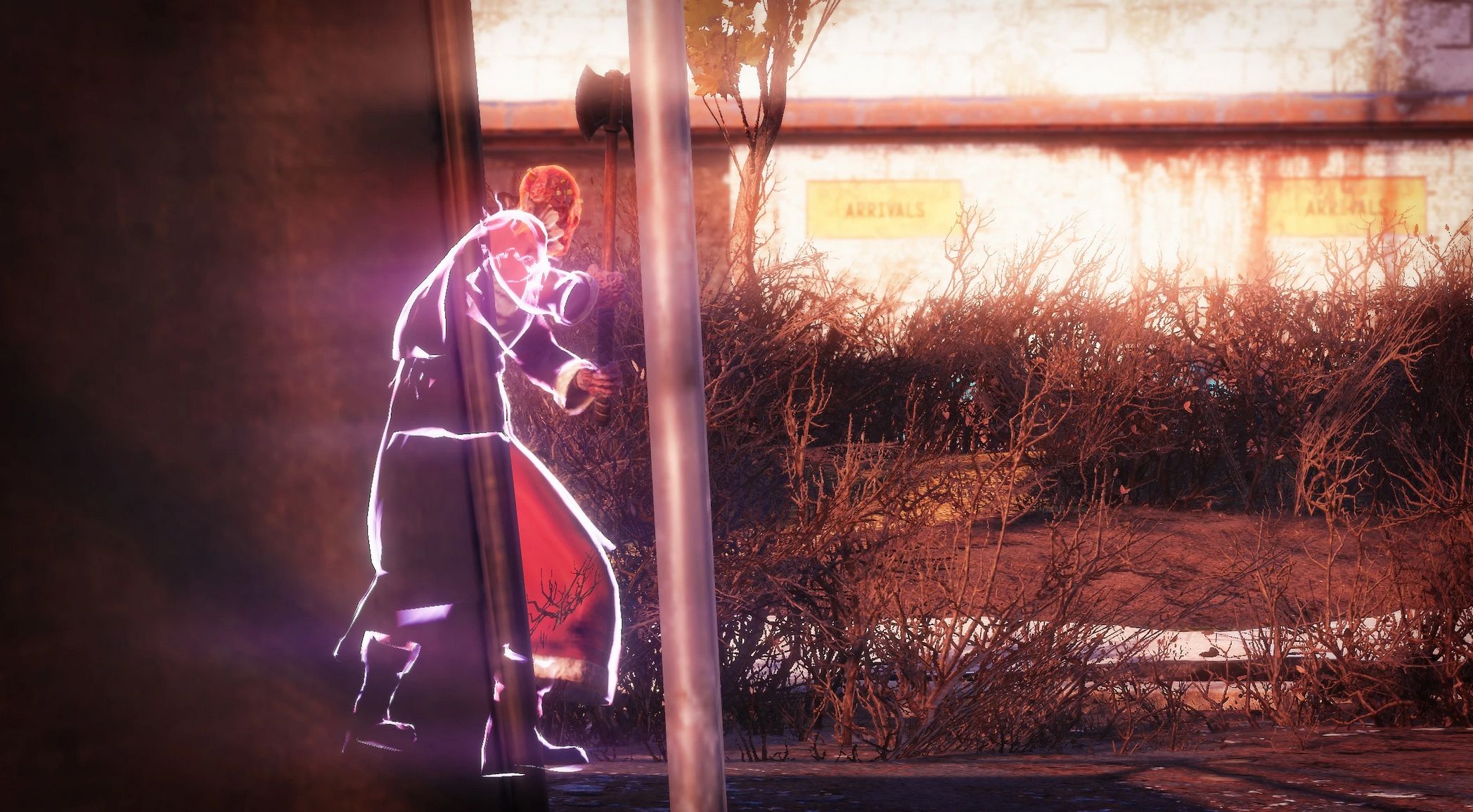
Holiday Scorched Outline ESP v1.0
Find those Holiday Scorched with ease!
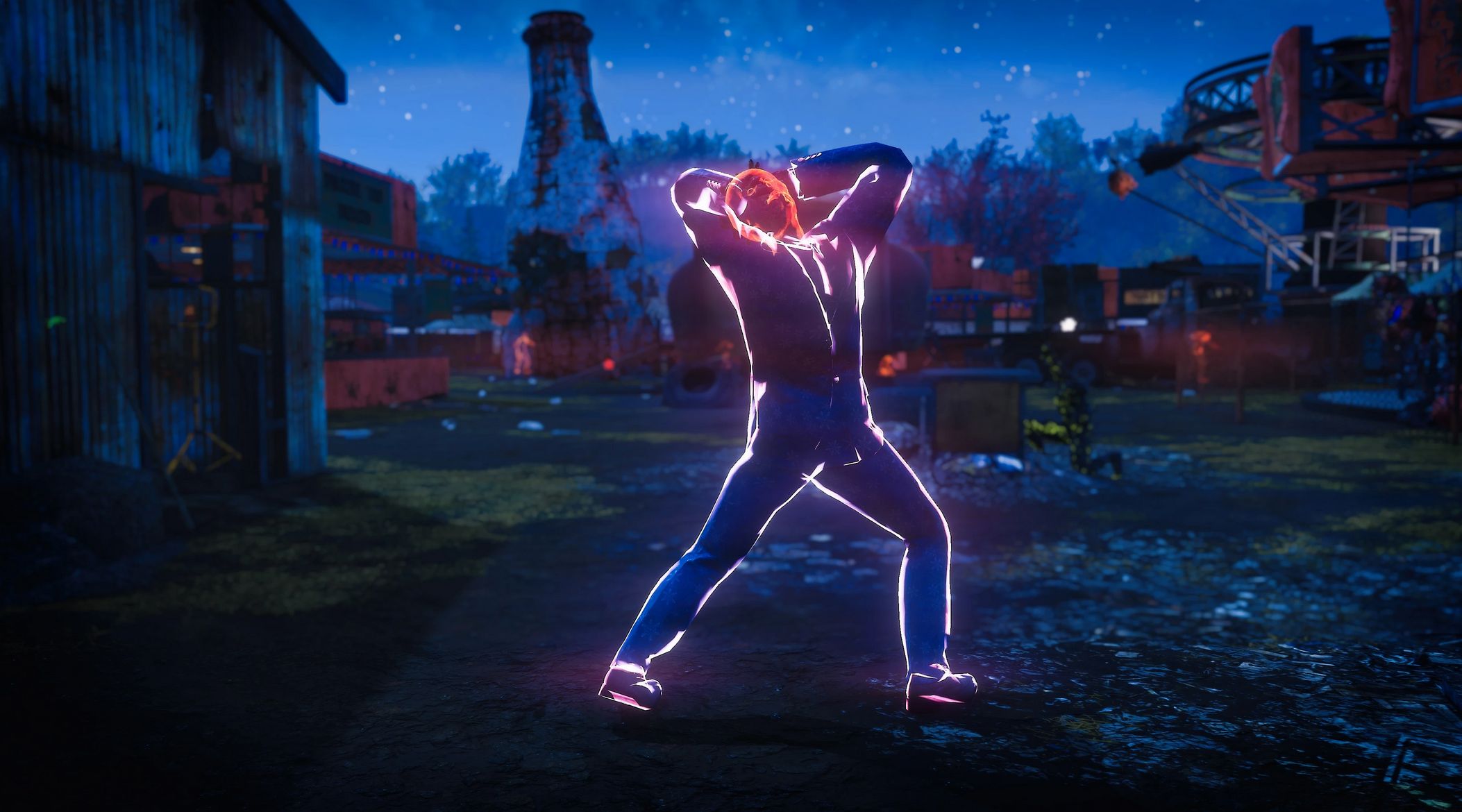
Pretty self-explanatory – this mod marks holiday scorched (Christmas and Halloween ones) with an outline marker. Markers available in different colors (cyan and purple for now) and feature two different visibility options. This mod is also a part of my All Enemies and Critters Outline ESP mod.
Installation
1. Extract the ba2 file(s) from the archive you’ve downloaded to your Fallout76/Data folder.
2. Check whether you’ve got the Fallout76Custom.ini file under Documents/My Games/Fallout 76 folder, and if not, create it.
2a. If you’ve just created the Fallout76Custom.ini file, you need to open it and input this string in it: [Archive]
3. Find sResourceIndexFileList = line under the [Archive] section of your Fallout76Custom.ini or type it down if there is no such line.
4. Add “, ESP_HolidayScorched.ba2” (without quotes) to the end of the sResourceIndexFileList line.
Note:
Only you will see these creature markers in your game, other players won’t, so it’s just for your own convenience.

 Loading...