Animated Glowing Lootbags – Optional Outline ESP (February 2026) v3.0.1
Having a hard time spotting your loot bags in tall grass? This mod helps you easily find them anywhere! Now with an outline ESP option!
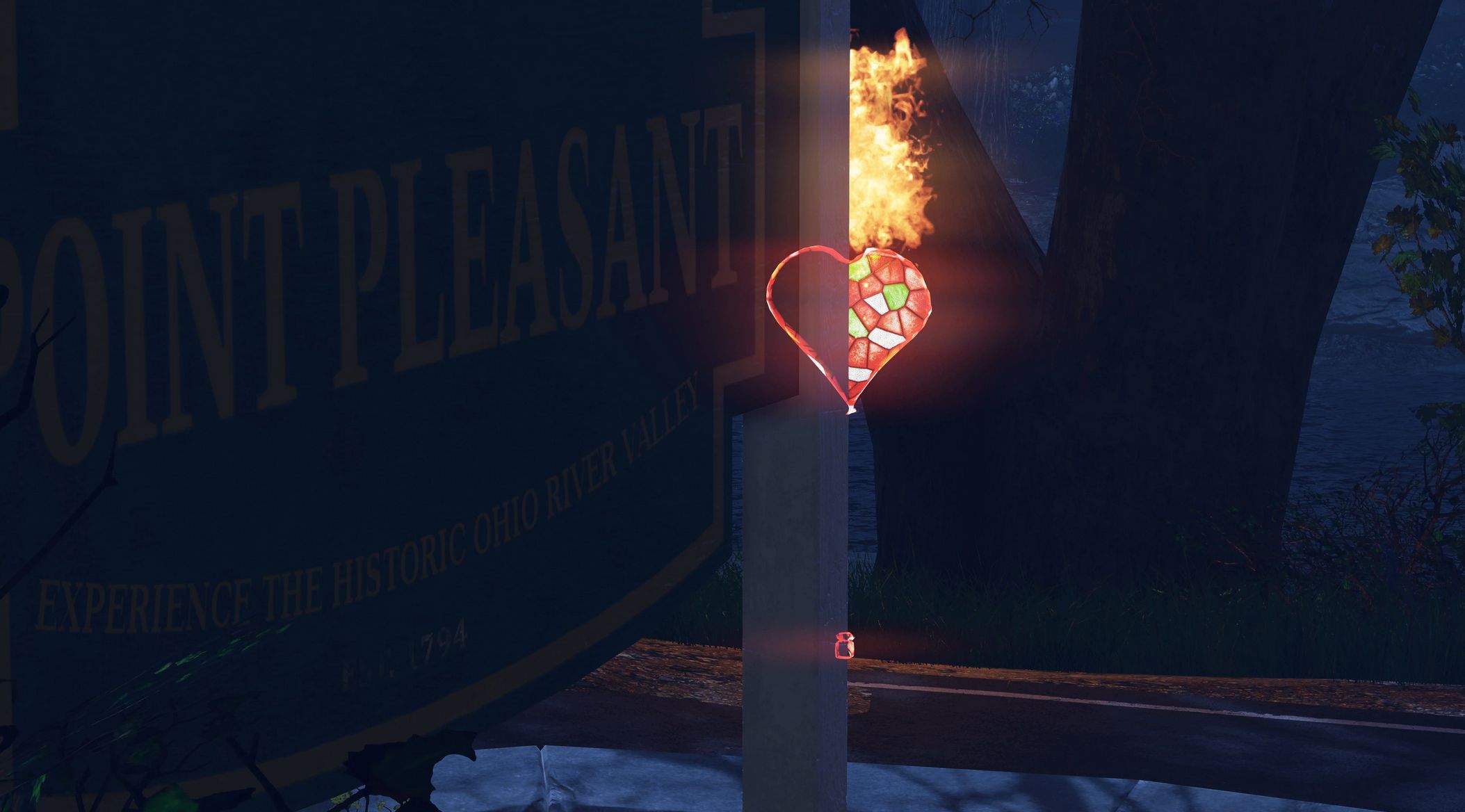
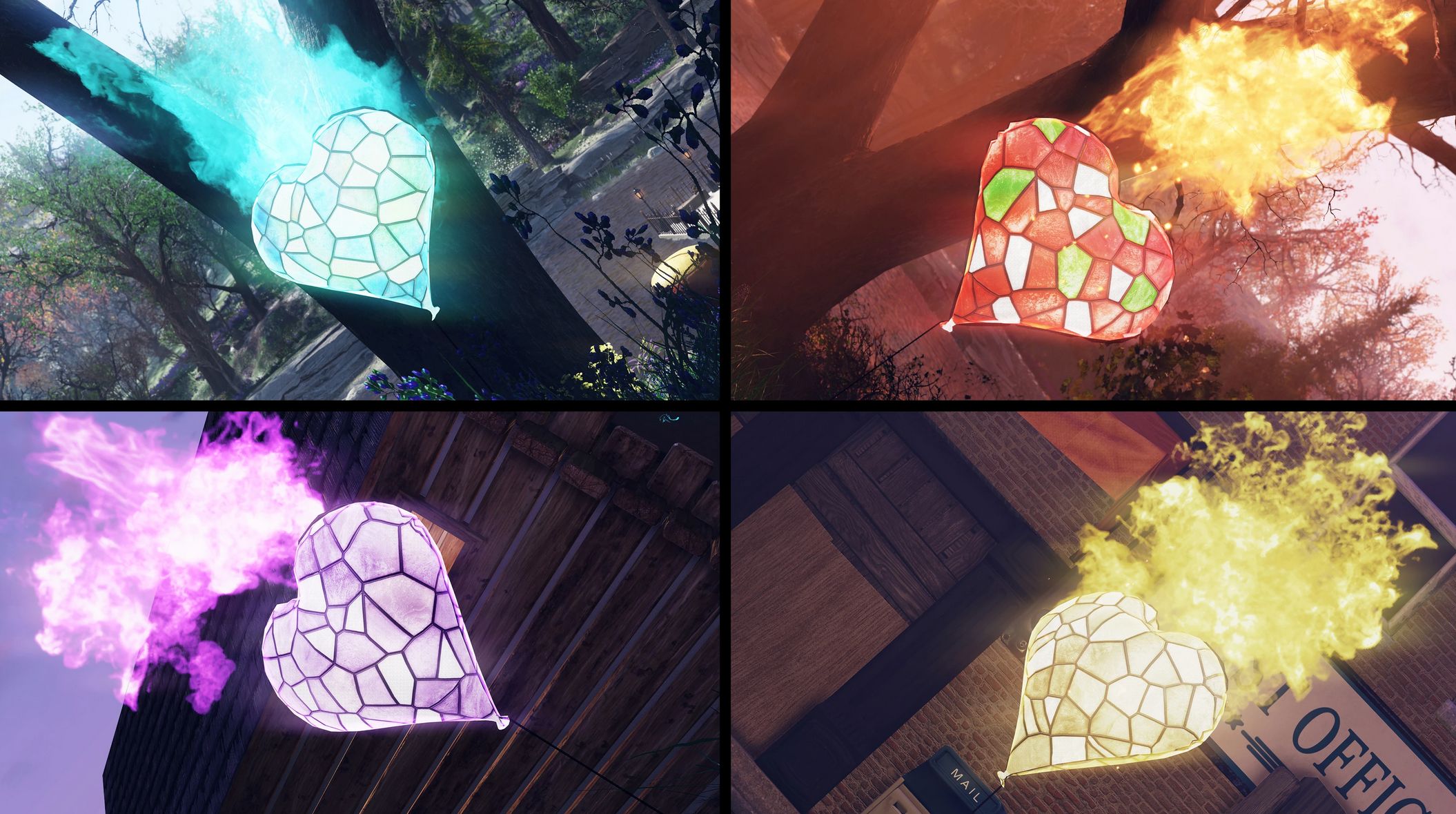
This balloon loot bag model replacer features high-res translucent texture with glow effects and fiery animation in four color schemes – Cyan, Red-Green, Purple and Golden.
Surroundings get illuminated by an animated light source – everything you need to spot those loot bags from great distance.
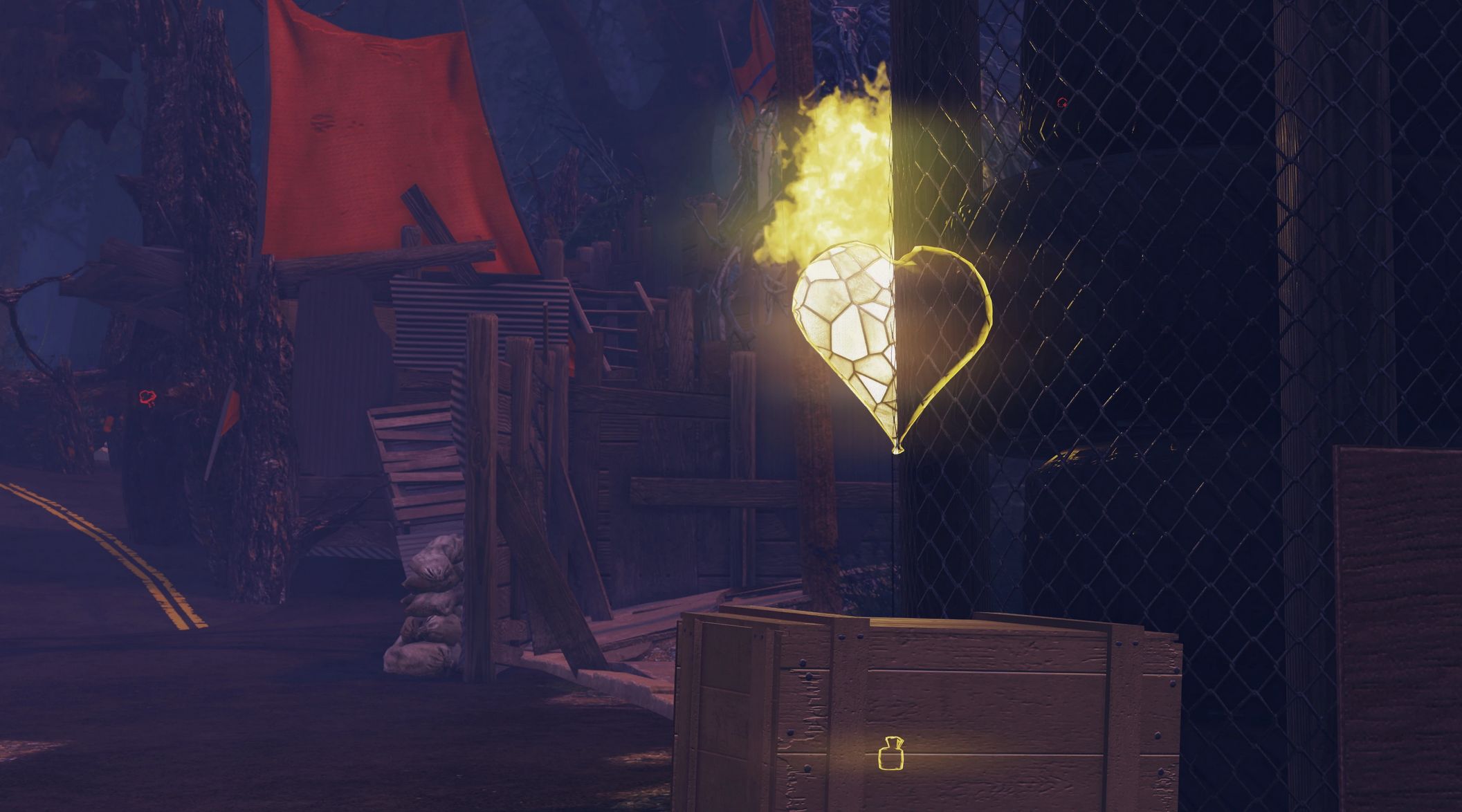
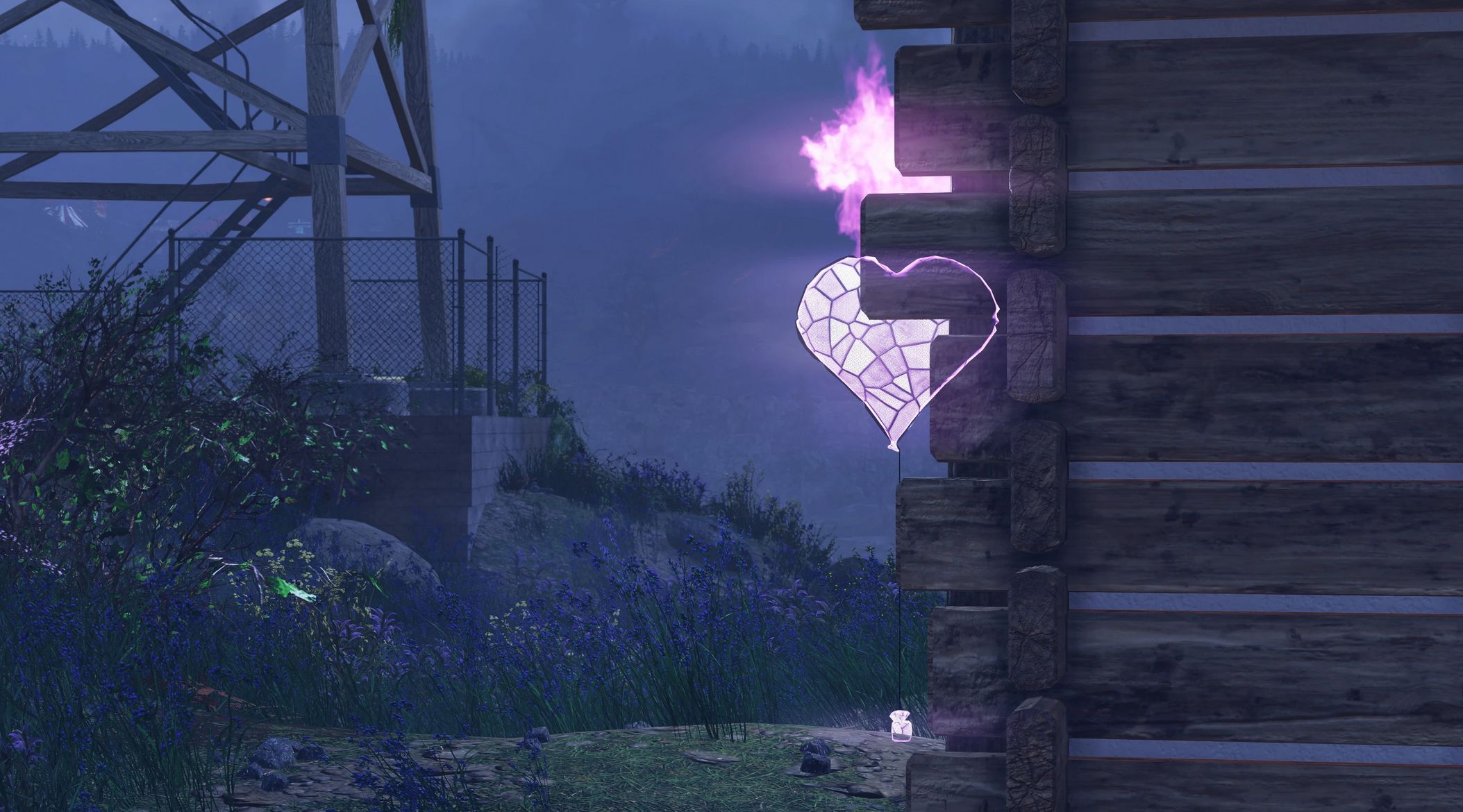
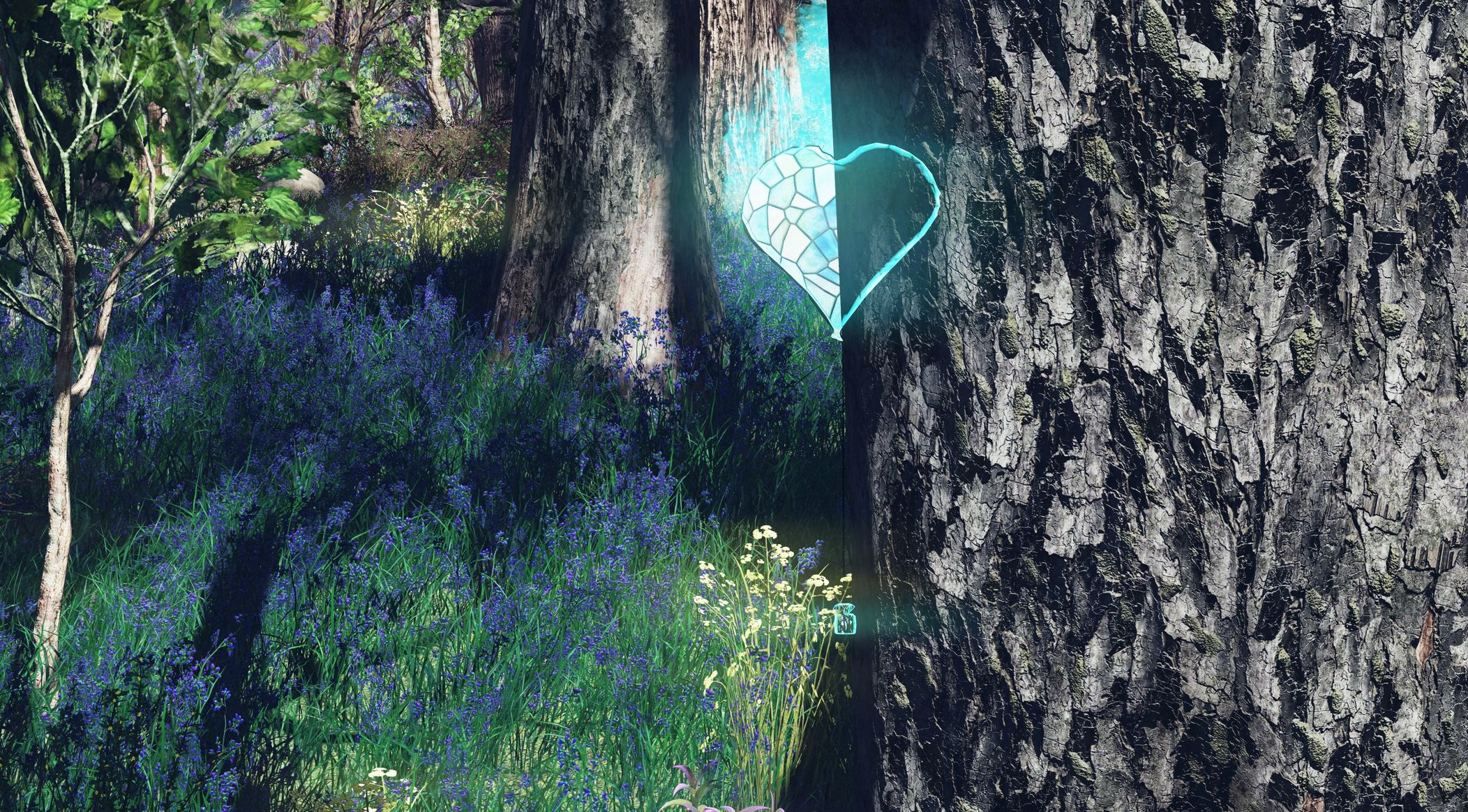
Optional outline ESP marker for the loot bags seen through the obstacles included.
This mod replaces all the available loot bags to date as of February 2026.
Version 3.0.1 Contents
– Lootbags in Red/White/Green color scheme with orange flames
– Lootbags in Cyan/Blue/Green color scheme with cyan flames
– Lootbags in Purple color scheme with purple flames
– Lootbags in Golden color scheme with yellow flames
– See-through (ESP) options for all color schemes for even better visibility
– Optional fix for an issue where the game might crash if you have Item for Ally quest item in your inventory (also available for the Outline ESP version of the mod)
Installation
1. Extract the ba2 files from the archive you’ve downloaded to your Fallout 76/Data folder.
2. Check whether you’ve got the Fallout76Custom.ini file (Steam version) or Project76Custom.ini file (MS Store version) under the Documents/My Games/Fallout 76 folder, and if not, create a new text file and rename it accordingly.
2a. If you’ve just created the .ini file, you need to open it (in notepad) and input this string in it: [Archive]
3. Find sResourceArchive2List = line under the [Archive] section of your Fallout76Custom.ini or type it down if there is no such line.
4. Add ” ,Heartbags-M.ba2, Heartbags-T.ba2″ to the end of the sResourceArchive2List line.
In case you’ve encountered crashes while having “Item for Ally” quest item in your inventory, do the following:
5. Download “Item for Ally FIX” (under the optional files section)
5a. Extract it in your game’s folder
5b. Add “,Heartbags-Fix.ba2” to the end of the sResourceArchive2List line (it MUST go AFTER the main mod’s filenames you’ve added above)
Note:
Only you will see this retexture/mesh in your game, other players will still see loot bag textures/models they have in their game, so it’s just for your own QOL.

 Loading...