Better Inventory (Unofficial) – PipBoy Update Fix v2.0
Remade for PipBoy update. Some features had to be removed.
IMPORTANT NOTES
Expect bugs!
Mod has been entirely remade for the new pipboy interface, and as such some features had to be completely removed due to game changes – such as category filtering.
Additionally, there are quite a few bugs that I did not manage to fix. See KNOWN BUGS section below for more information.
(Mod is open-source on my GitHub if you want to try your luck in fixing those)
What’s been remade or added to work with new interface is:
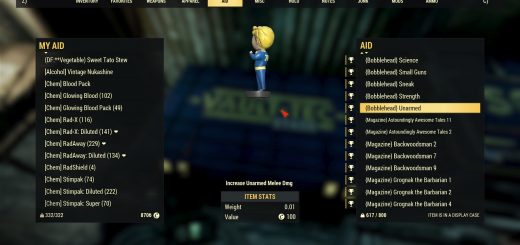
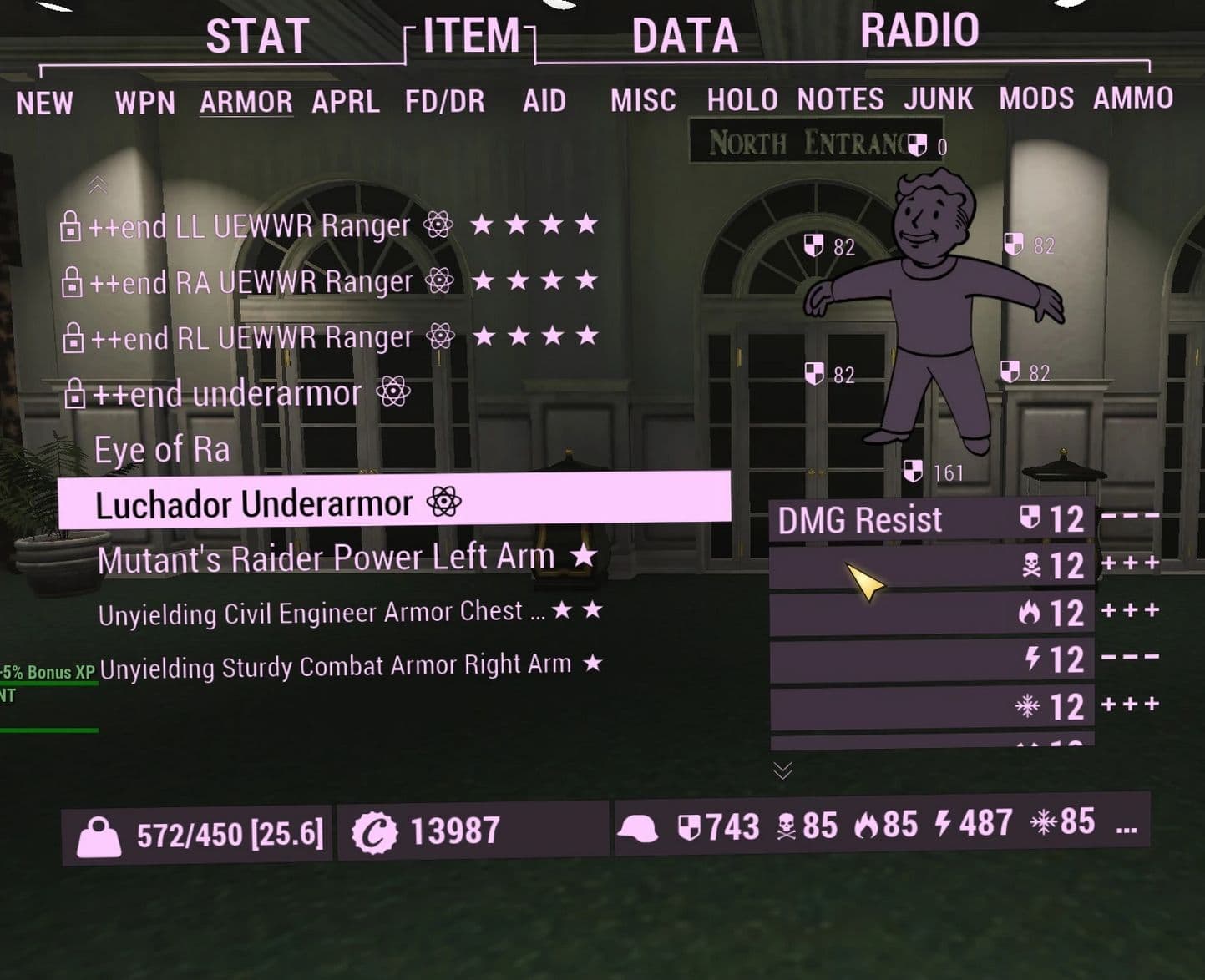
Inventory Weight
View your inventory weight on a per-tab basis to find out where your carry weight is coming from.
Faster Navigation
Jump two tabs at a time by holding the Shift key while navigating left and right.
Jump directly to the first or last inventory tab by holding the Shift key while navigating up and down.
Jump directly to any inventory tab by pressing the number keys 1-9, 0, – or =
Scroll Wrapping
Jump to the bottom of list when pressing UP on top of the list, or to the top when pressing DOWN on bottom of the list.
All of these features are enabled by default, but you can disable each of them via optional config file: BetterInventoryConfig.json
Saved changes to config file will be visible in game once you reopen pipboy.
KNOWN BUGS
Item list in new pipboy interface does not have “weight” property for each item, so weight mapping was done by mapping items from player inventory in “stash” interface (left side). Item IDs also do not match between stash (serverHandleID) and pipboy (ItemHandle) interface, so mapping had to be done by matching ITEM NAMES – because of this:
Category weight will be incorrect for any category containing multiple items with same name, like “Fusion Core” with different condition values – only first uniquely named item/stack will be counted into category weight.
(I assume) Due to some weight reduction perks not applying correctly to items:
Category weight for WEAPONS will most likely be incorrect.
Category weight for any tab will be displayed incorrectly when (un)equipping weight reduction perks or armor – should be fixed on server hop.
Category weight for NOTES (plans/recipes) will only show correctly when you open “Recipe Book”.
Category weight text might flicker for several seconds after consuming (FOOD/DRINK or AID) item – game keeps updating pipboy (or inventory?) in the background.
INSTALLATION
Via mod manager: NOT RECOMMENDED, IF YOUR MOD IS NOT LOADING THIS IS MOST LIKELY THE CAUSE, DON’T ASK FOR ASSISTANCE IF YOU INSTALLED WITH MOD MANAGER AS I DO NOT USE THEM AND WILL NOT BE ABLE TO PROVIDE HELP
Known issues with mod managers:
Mods not working at all (even with no other mods loaded) – repacked (or bundled) with wrong settings
Mods not applying config changes – old config file cached
or
Manually:
1. Download and extract ba2 and config (.json) files to Fallout 76 Data folder (e.g. “\SteamLibrary\steamapps\common\Fallout76\Data\”)
2. Add ba2 file name to your load order in Project76Custom.ini (MS Store/Xbox) or Fallout76Custom.ini (Steam) located in “C:\Users\%username%\Documents\My Games\Fallout 76\”:
Don’t forget to remove previous versions of BetterInventory and BetterPatch
COMPATIBILITY
Fully compatible with FastPip or BuffsMeter, however those 2 mods are mutually not compatible.
Compatible with Invent O Matic Pipboy (Unofficial) (not yet updated), load it AFTER BetterInventory-UO in load order.
Not compatible with other mods that modify interface/newpipboy_invpage.swf
Should be compatible with everything else.
Example of compatibility order with BuffsMeter and Invent O Matic Pipboy:
sResourceIndexFileList=BetterInventory-UO.ba2, InventOmaticPipboy-UO.ba2, BuffsMeter.ba2

 Loading...