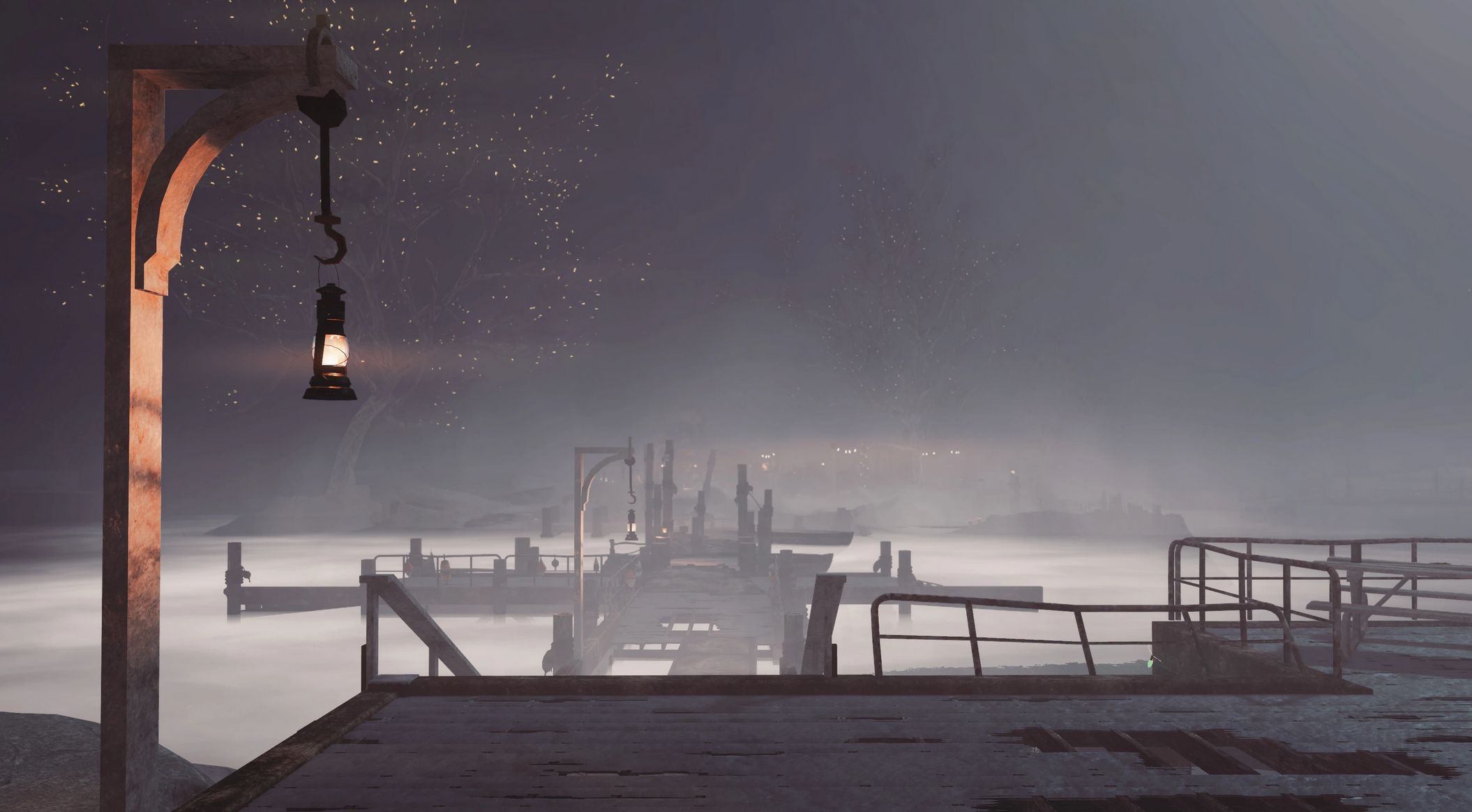
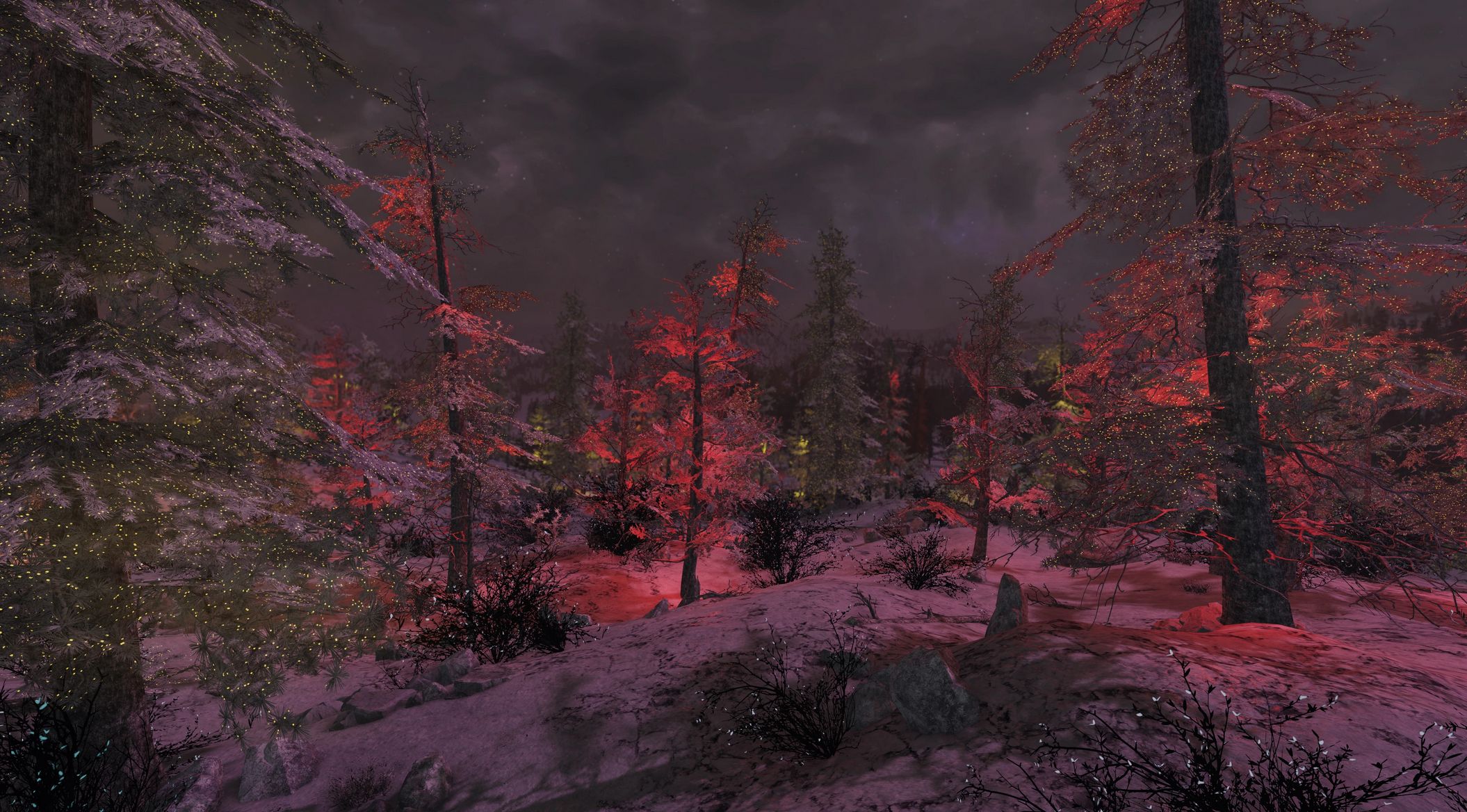
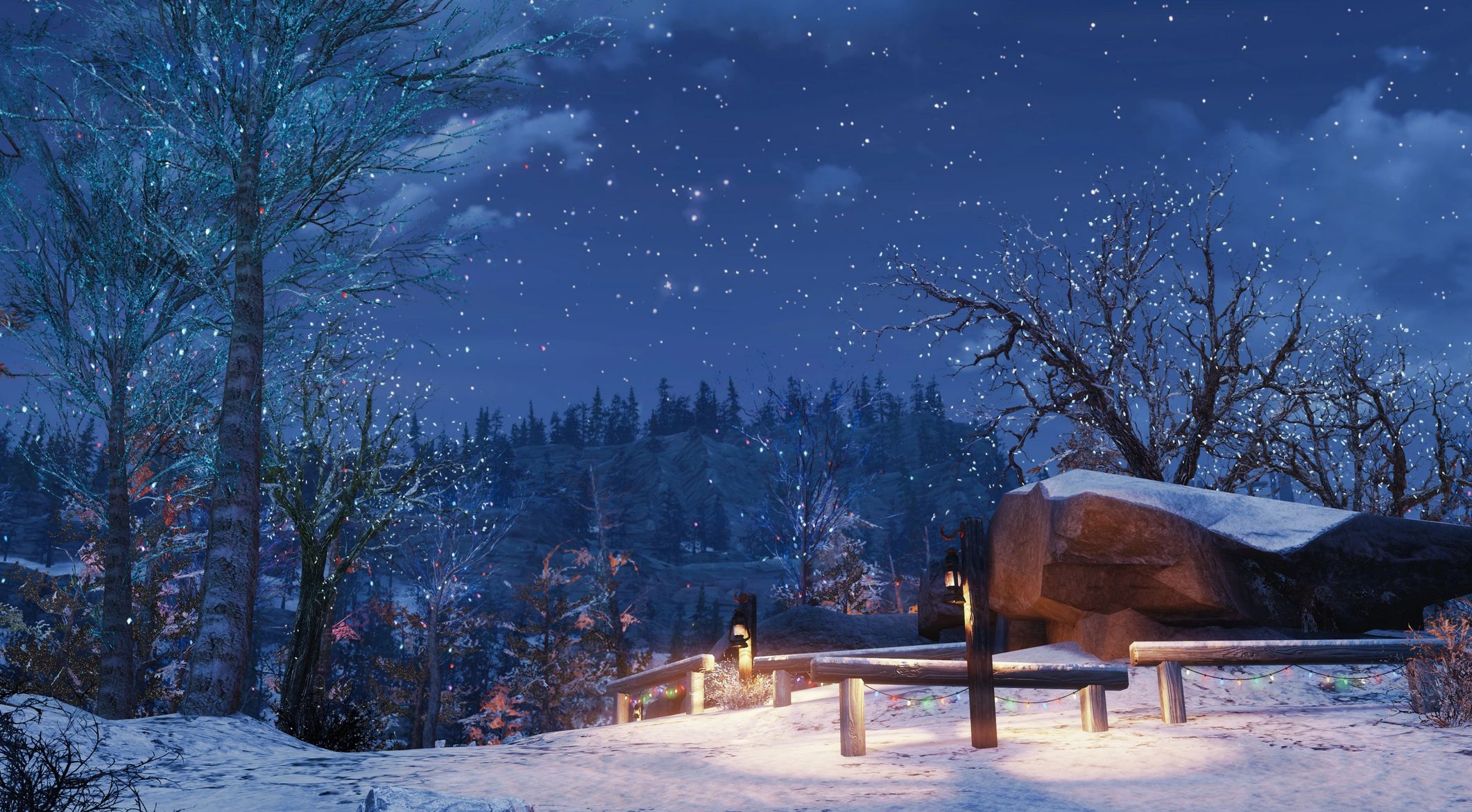
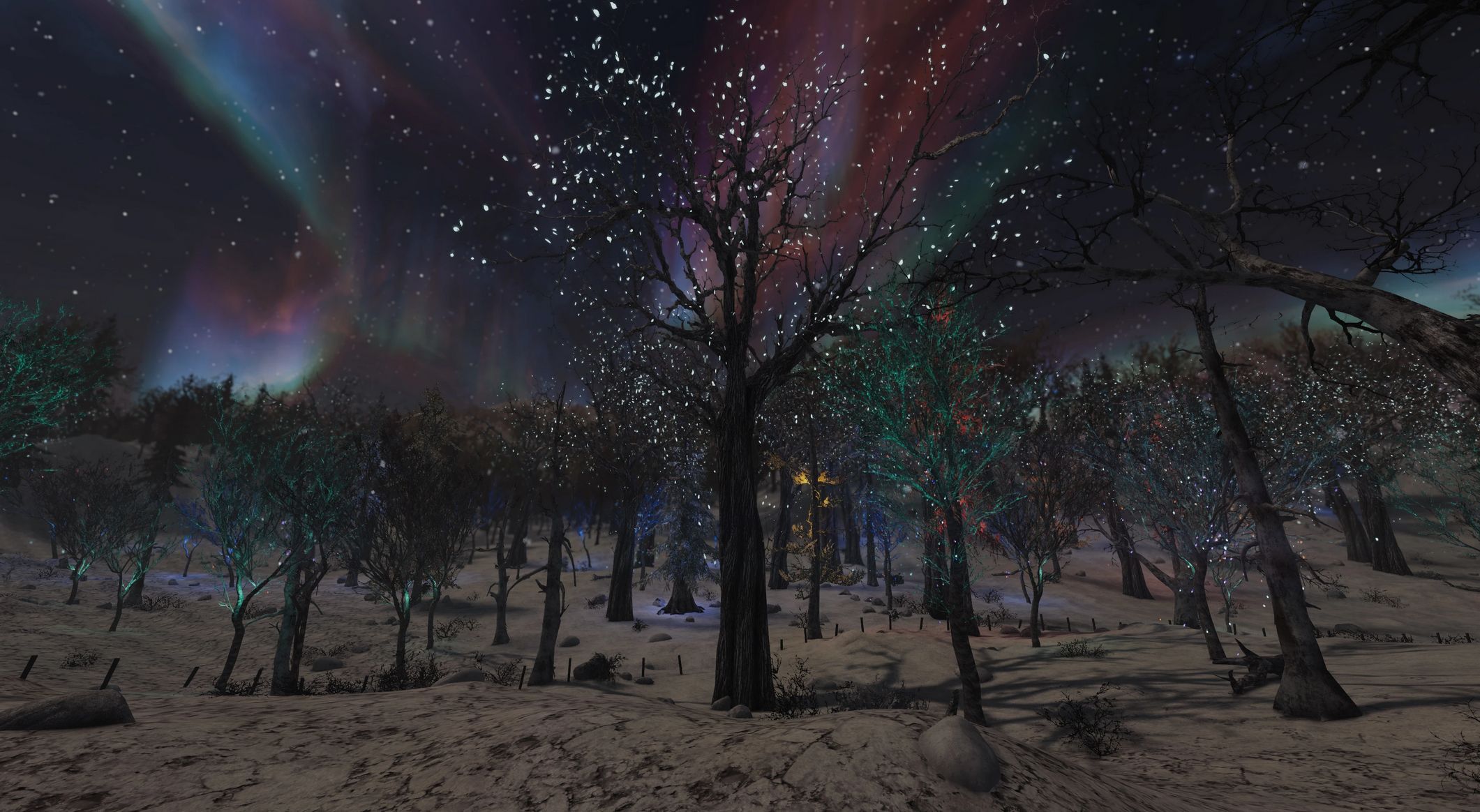
Enchanted Forests – Winter in Appalachia Edition v1.0
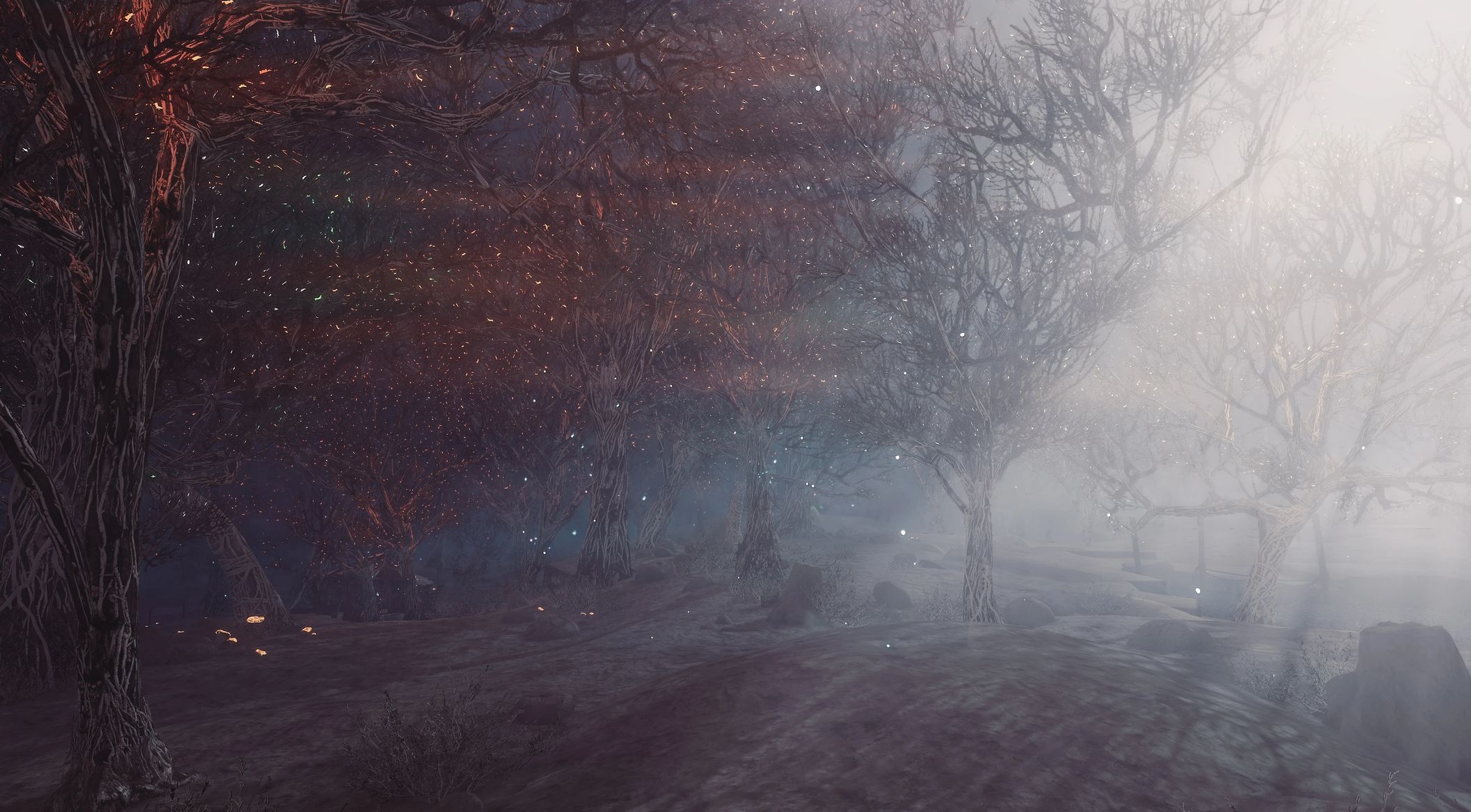
Ever wanted to add more lights and mystery to your winter wonderland? This is a mod for you!
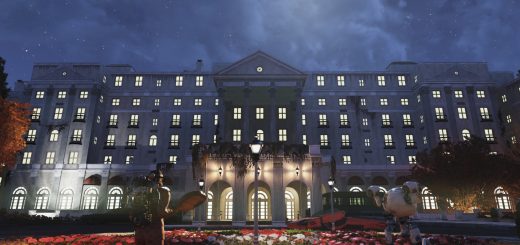
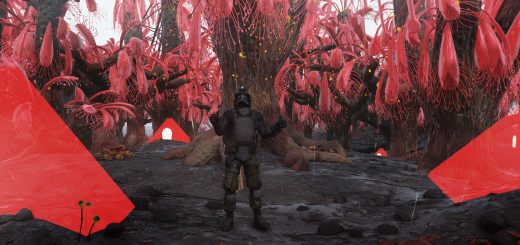
This mod turns appalachian forests into fantasy wonderland with glowing animated canopies, mysterious animated glows and fires everywhere!
Basically this is Enchanted Forests tailored to be compatible with Winter in Appalachia (and Ohio) – featuring different color schemes for the special effects.
Installation
1. Extract the ba2 files from the main archive you’ve downloaded to your Fallout 76/Data folder.
2. Check whether you’ve got the Fallout76Custom.ini file (Steam version) or Project76Custom.ini file (MS Store version) under the Documents/My Games/Fallout 76 folder, and if not, create a new text file and rename it accordingly.
2a. If you’ve just created the .ini file, you need to open it (in notepad) and input this string in it: [Archive]
3. Find sResourceArchive2List = line under the [Archive] section of your custom .ini file or type it down if there is no such line.
4. Add ” ,EF_M.ba2 ,EF_T.ba2″ to the end of the sResourceArchive2List line, make sure it goes AFTER Winter in Appalachia filenames there.
Note: Only you will see these special effects in your game, other players will still see what they have in their game, so it’s just for your own aesthetic pleasure and screenshotting purposes.
Uninstallation
1. Remove the corresponding files from your Fallout76/Data folder
2. Remove the corresponding filenames from sResourceArchive2List string of your custom ini file

 Loading...